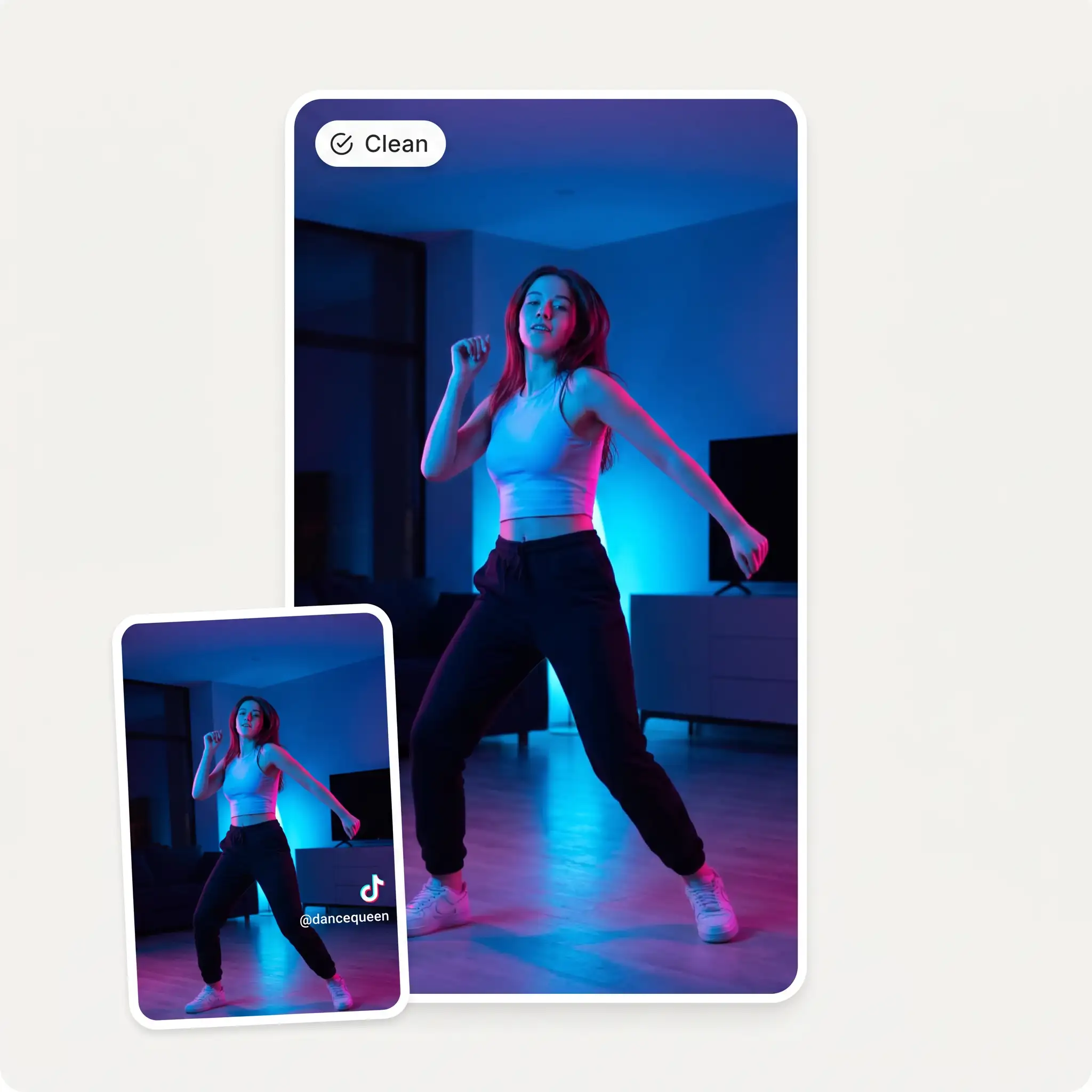
Combine multiple video clips into one seamless video. Upload your files, arrange them in the right order, trim the parts you do not need, and create a single finished video in a couple of clicks.
or drag & drop them here · MP4, MOV, WebM, MKV
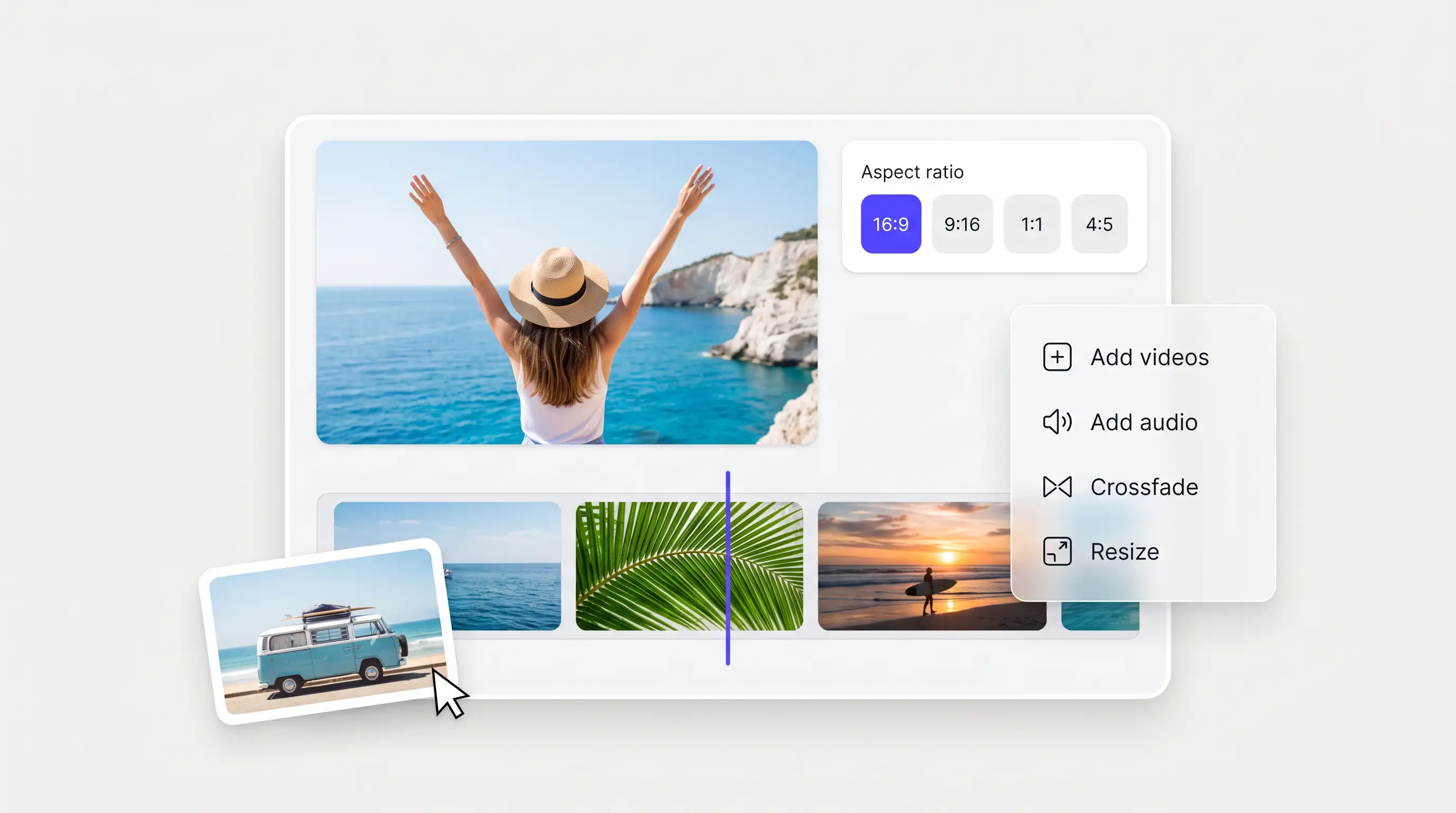
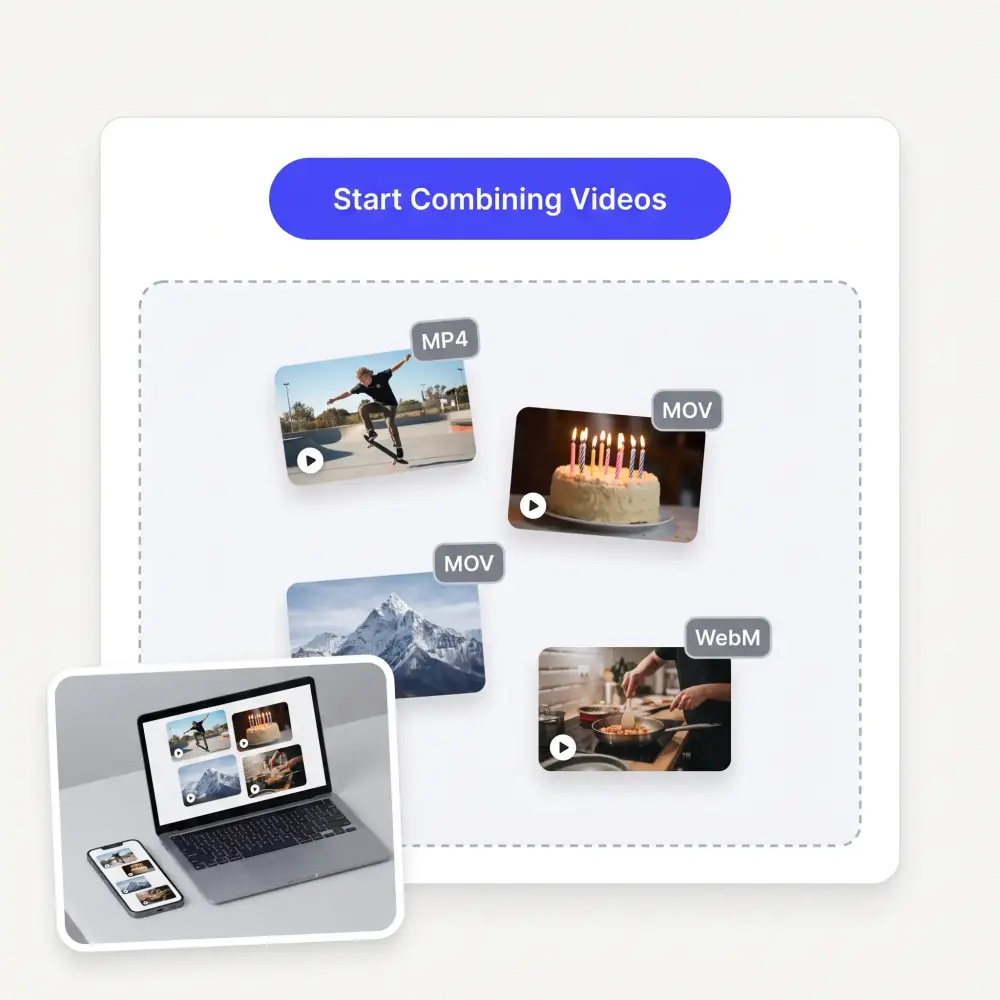
Combine multiple videos in one place: add two clips or build a longer sequence from multiple videos without switching between apps. The online video combiner takes MP4, MOV, WebM and MKV files from your phone or computer in the same project, up to 100 clips.
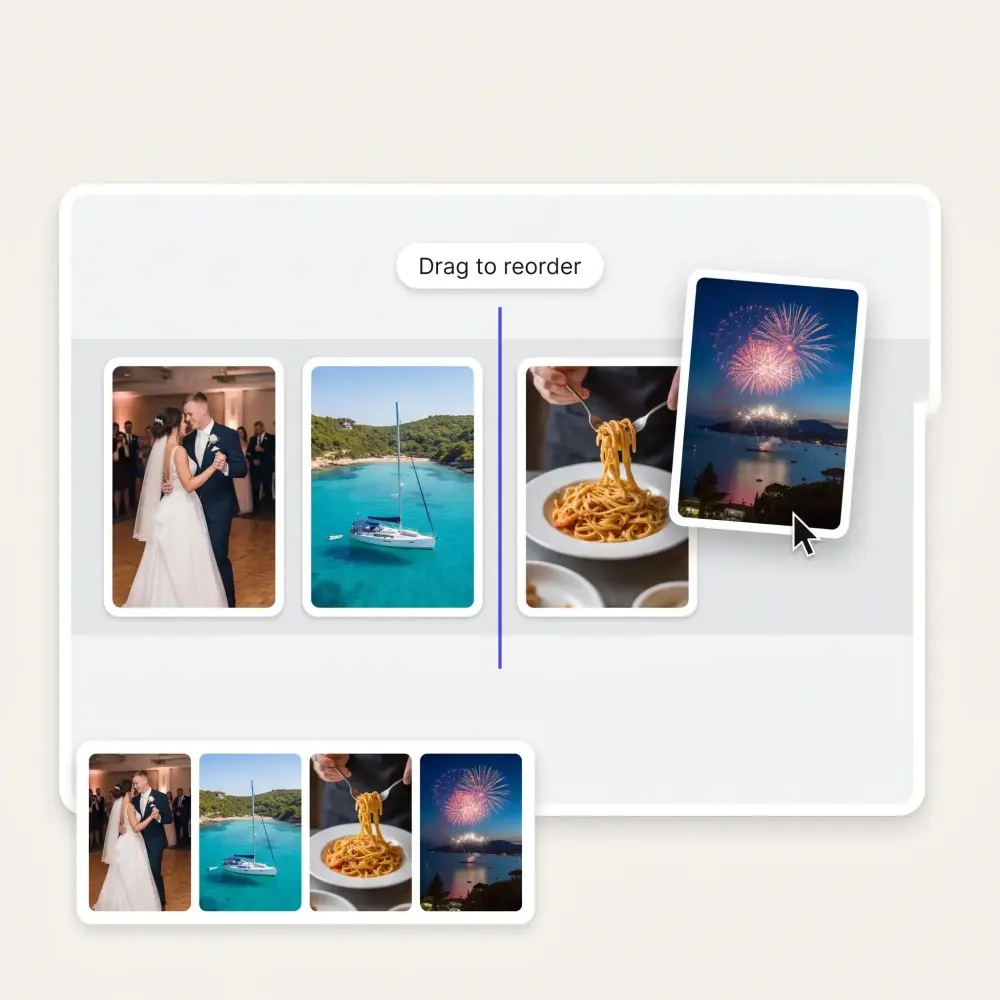
Drag and drop your files to decide what plays first, what comes next, and how your video ends. Combine video clips in any order and rearrange them at any time until the sequence tells the story exactly the way you want.
Cut unwanted footage from the beginning or end of each clip before you merge. Drag the handles, press Delete, and the neighbouring clips close up: keep the best moments and lose the pauses.
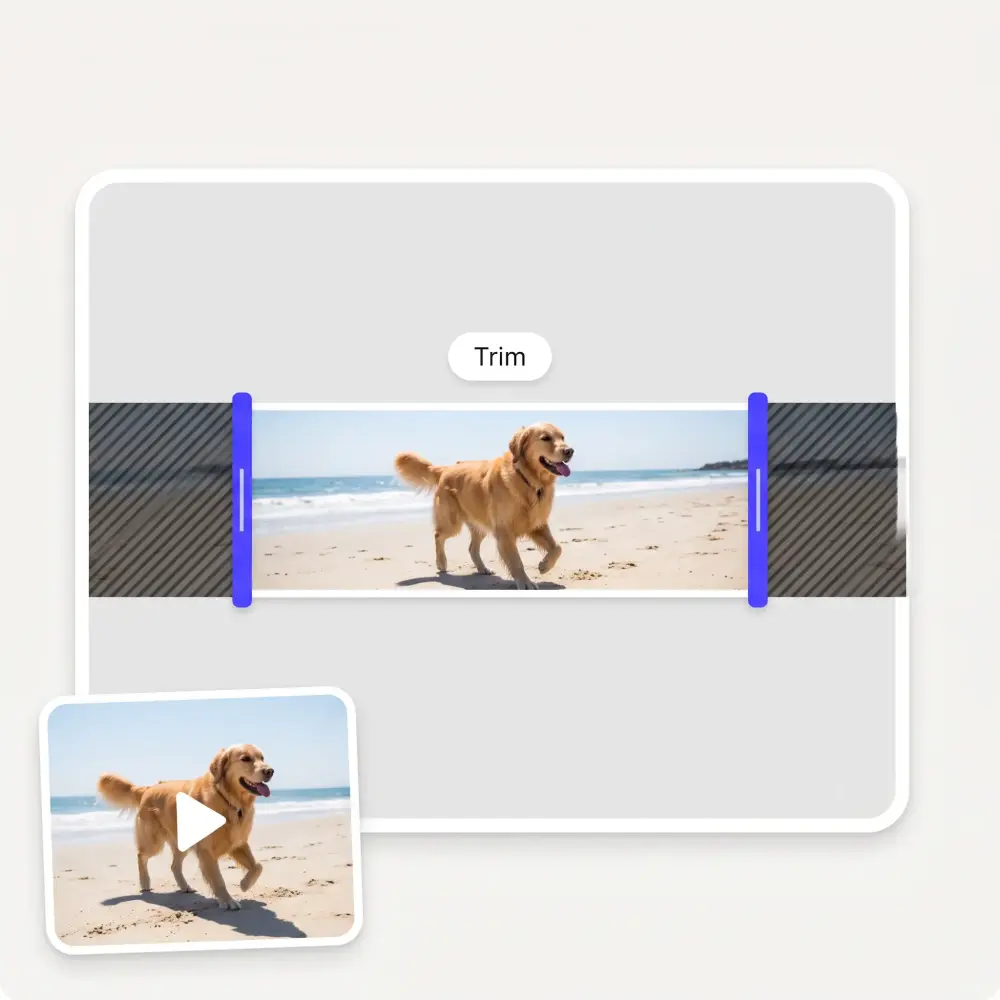
Connect scenes with clean cuts or smooth the cuts with a crossfade. Turn Crossfade on, pick 0.5 to 2 seconds, and each clip dissolves into the next; the audio blends with it, so the join sounds as smooth as it looks.
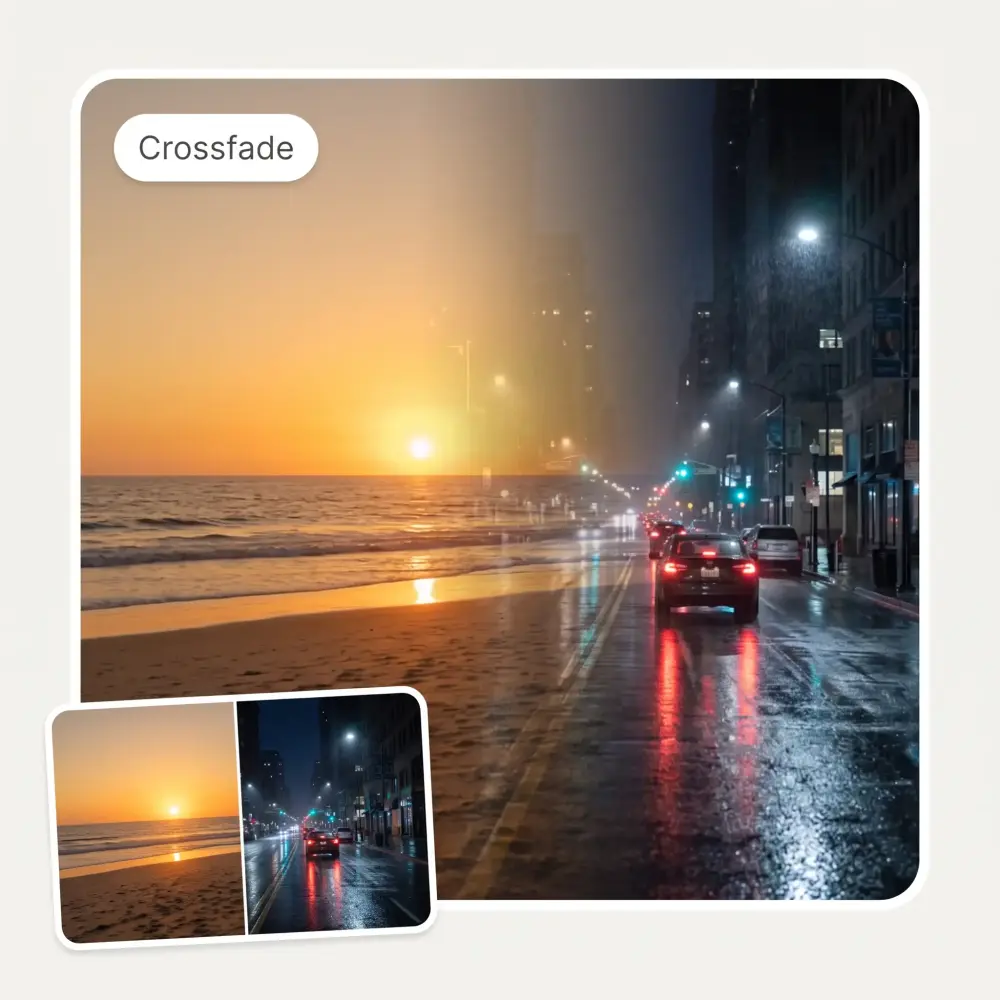
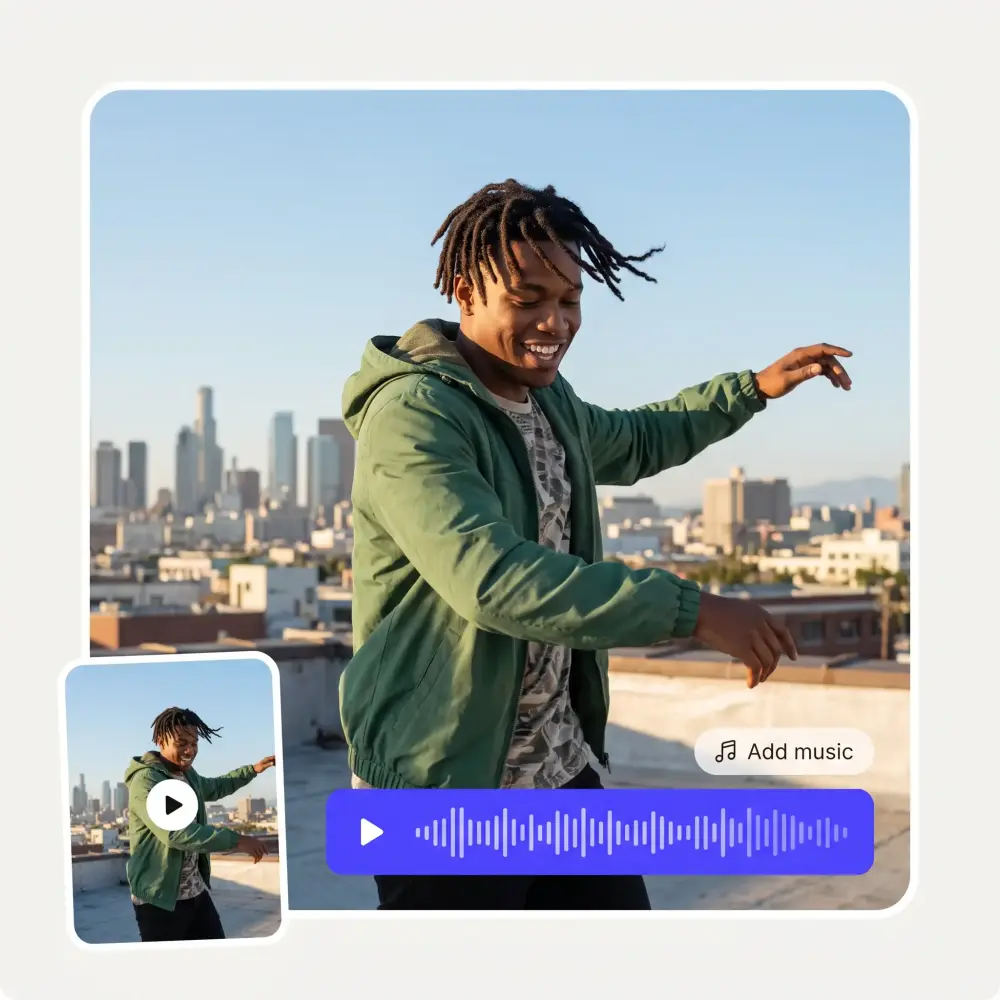
Combine video and audio in the same project. Add background music, a voice-over or another track, mix it with the clips’ own sound or replace it, and set the volume before you export.
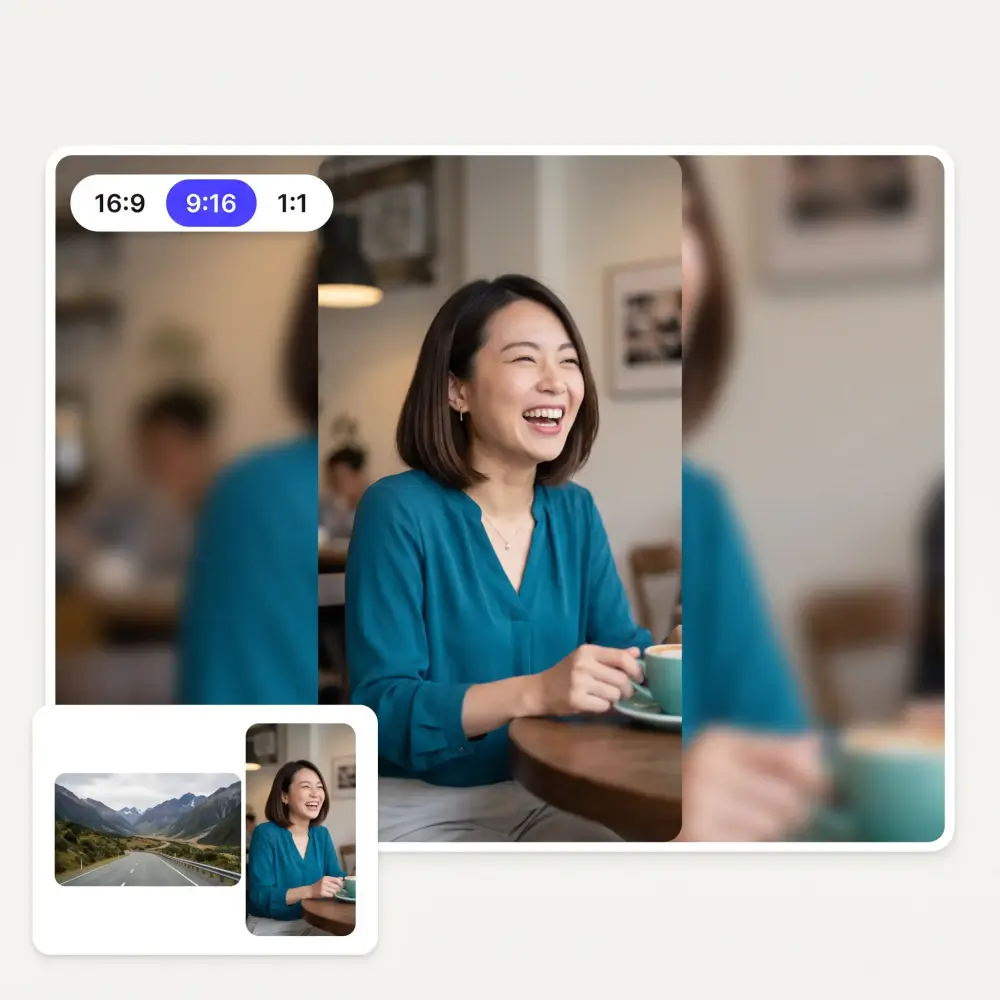
Balance the format and prepare your combined video for any screen. Fit portrait, landscape and square footage into one consistent frame and export in 16:9 for YouTube, 9:16 for TikTok and Reels, 1:1 or 4:5 for Instagram, at 720p or 1080p.
Merge, edit and polish your video in one browser-based editor, then turn separate files into one continuous MP4 that is ready to download and share. No need to stitch files together manually or learn complicated desktop editing software.
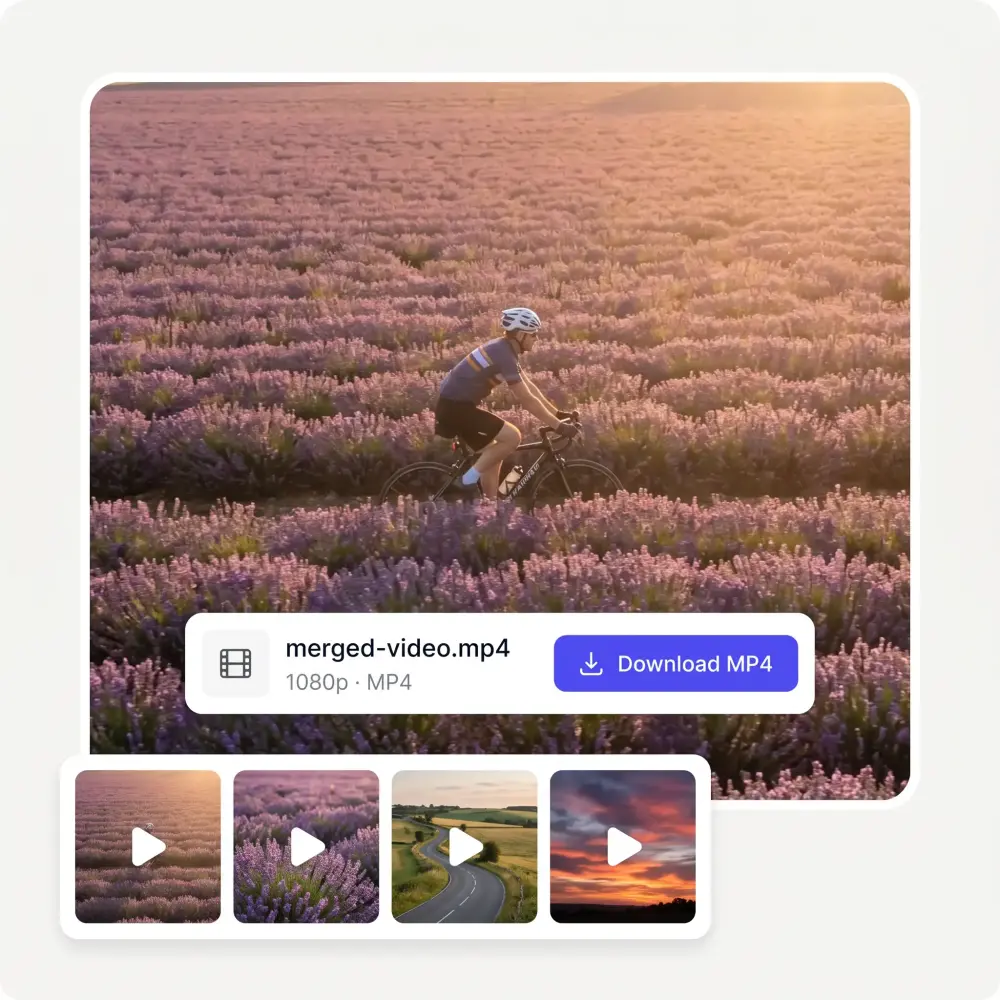
Press Start Combining Videos or drop MP4, MOV, WebM or MKV files anywhere on the page. Add several at once or keep adding clips as you build the project, up to 100 in one video.
Drag the clips into the right order on the timeline and click any clip to preview it. Pull the trim handles to mark the parts you do not need, then press Delete to cut them off.
Turn on Crossfade, add a music track, choose Fit or Fill for clips of another shape, and pick the aspect ratio and resolution for the platform you are posting to.
Press Export video. The merge runs right in your browser, so nothing is uploaded. Upload your clips, arrange the story, add the finishing touches, and merge everything into one video online; then download the MP4 or send it to the Overchat AI video studio with Edit with AI.
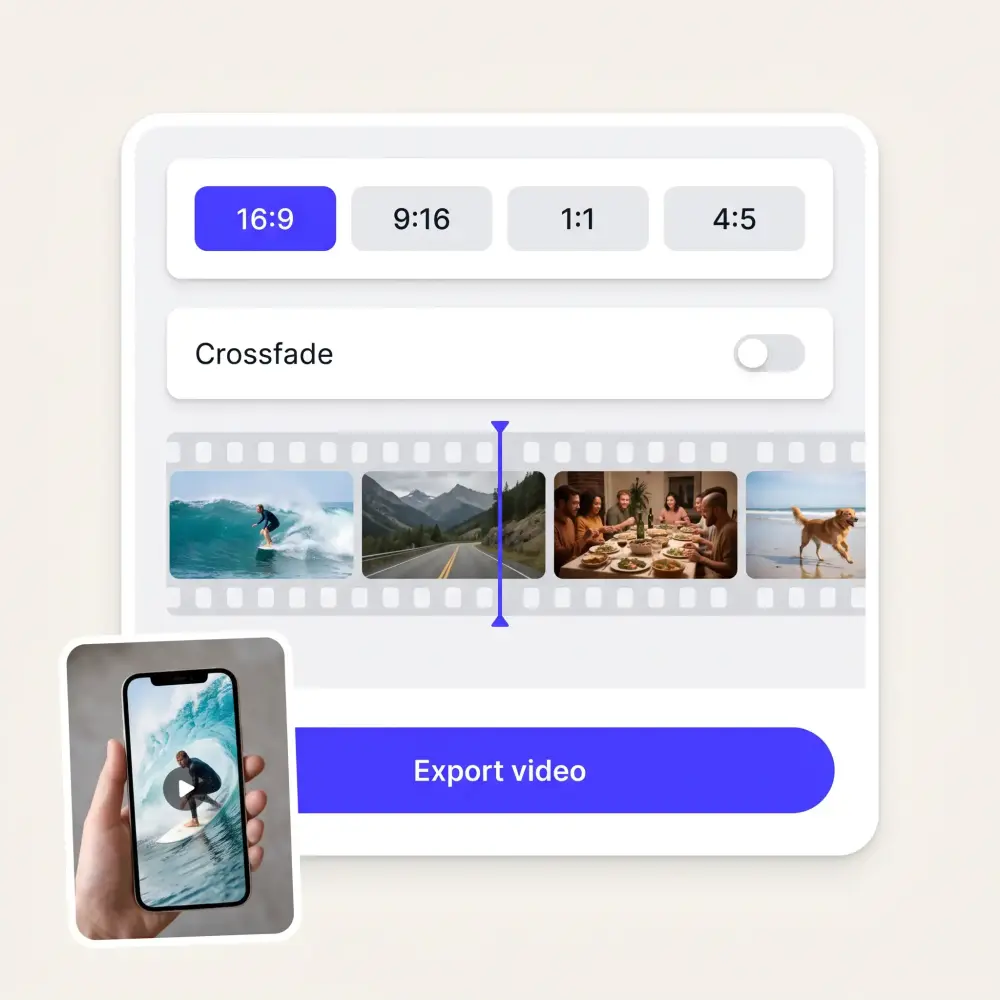
Merge videos directly in your browser without installing a large editing program. Open the tool on your desktop, laptop, tablet or phone and start working with the files you already have.
The editor keeps the workflow simple: upload, arrange, edit and export. You can combine videos online without learning a professional timeline or spending hours watching tutorials.
Turn old clips into new content instead of filming everything again. Combine highlights, reactions, product shots, interviews, screen recordings and behind-the-scenes footage into a fresh video.
Stop sending separate clips or managing a folder full of small exports. A video merger puts every scene into one organized video that is easier to watch, publish, present and share.
Use the online video joiner on Mac, Windows, iPhone, Android, Chromebook or any modern browser. The merge runs on your own device, so your clips are never uploaded anywhere.
Combine vertical and horizontal clips or files recorded on different devices. Pick one aspect ratio, choose Fit or Fill for clips of another shape, and the joiner brings everything into one consistent frame.
Nice app, everything in one place
Easy and convenient!
I ask. CHATGP answers. I check on the answer and it's always been correct.
I like how it keeps everything organized. One subscription is enough for all major AI models, which helps me avoid paying for multiple platforms.
I've started to use overchat last week and it feels very promising. Lots of AI models in one place saves a lot of money in comparison if you buy subscriptions for each one.
im really into ai apps and that one is good, helps me with my arts and homework. i draw ai vids for inst and generate images with my characters, many widgets and models! like it
A video combiner is a tool that joins two or more video clips into one continuous video file. It also lets you rearrange clips, trim footage, add a crossfade between scenes, mix in music or another audio track, and choose the output size before downloading.
Upload the clips you want to use to the Overchat AI online video merger, drag them into the correct order on the timeline, and trim any unwanted footage. Turn on the crossfade or add music if you need them, then press Export video to merge video clips into one MP4.
Yes. The video merger runs in your browser, so you can add, arrange, trim and join video clips without installing desktop software. The merge itself also happens on your device, so your files are never uploaded anywhere.
Yes. Combine multiple videos in the same project, up to 100 clips, and arrange them in any order. You can keep adding footage until the timeline contains every scene you need.
Yes. Add background music, narration, a voice-over or any other audio file to the project. Choose whether it mixes with the clips’ own sound or replaces it, and set the volume so the track sits where you want it.
The video combiner works with the formats browsers can play: MP4, MOV, WebM and MKV, including clips recorded on different phones, cameras and computers. AVI, MPEG and WMV files are not supported, so convert them to MP4 first. The finished video is always exported as an MP4 (H.264).
Yes. Drag clips into a new order on the timeline, then pull the trim handles on any clip to mark the beginning or end you want to remove and press Delete. This helps you keep only the strongest moments and control the pace of the finished video.
Yes. By default clips are joined with a clean cut. Turn on Crossfade and each clip dissolves into the next over 0.5 to 2 seconds, with the audio blending at the same time, so separate clips feel like one cohesive video.
Yes. Choose a consistent aspect ratio for the finished video and decide whether clips of another shape are fitted with bars or cropped to fill the frame. Common options include 16:9 for YouTube, 9:16 for TikTok and Reels, and 1:1 or 4:5 for square and portrait social posts.
Yes. Open the video combiner in a mobile browser, add clips from your phone, arrange and trim them, then export the merged video to your device. Because the merge runs on the phone itself, very long or very large projects go faster on a laptop.
Yes. Upload two or more MP4 videos, place them in the order you want, make any edits, and export them as one continuous MP4 video.
Yes. The video combiner is free, works without signing in, and adds no watermark to the finished video.
Available on Web, iOS, and Android. Access your AI assistant anywhere, anytime.

.webp)