Since August 2, 2026, all new Claude models have embedded an invisible watermark in everything they write. The Overchat AI Claude Watermark Remover automatically rewrites your Claude copy, removing those hidden characters so the watermark becomes undetectable.
A Claude Watermark is a deeply embedded statistical pattern that is undetectable to the human eye, but can easily be seen by specialized software. Light rewrites don't erase it, but the Overchat AI Claude Watermark Remover does. Although Anthropic claims that the watermark survives copy-paste and light editing, Overchat AI uses a GPT family model to rewrite the text deeply. Here's how to use it in three easy steps:
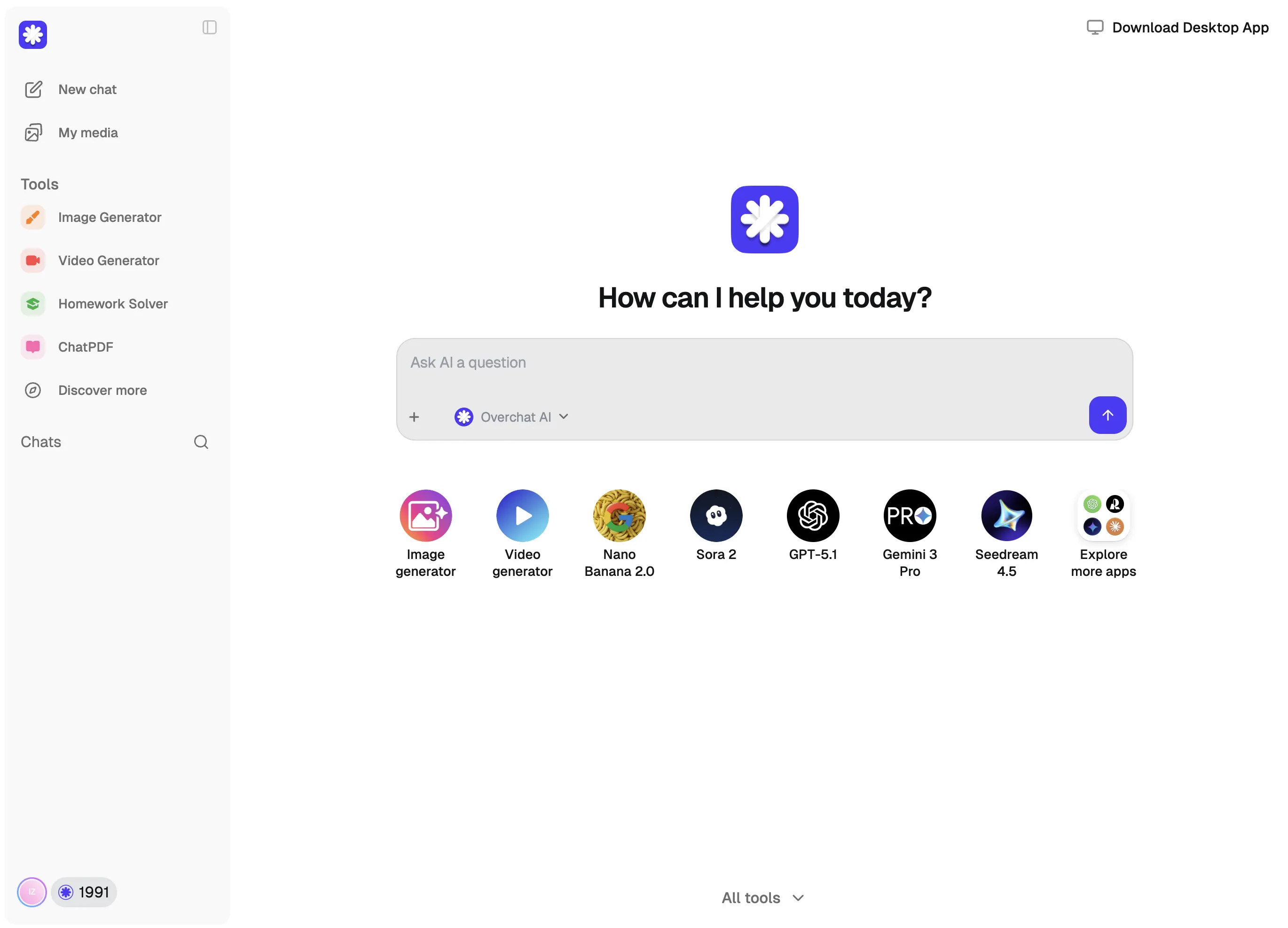
Paste anything written by Claude. It can be from claude.ai, the API, Claude Code, or a doc a colleague sent over.
Overchat AI's claude watermark remover uses a GPT family model to remove any invisible Unicode characters. Then, it rewrites the text sentence by sentence, changing the word choice pattern that the watermark is encoded in.
Read the result, make any changes to the wording, and copy it. Before you publish it, you can use an AI detector to check it.
USE CASES
Even if you use Claude to improve your original writing, it still adds a watermark. However, if you use our remover, your original writing won't be incorrectly marked as AI if you used a model for editing.
If you use Claude for freelance work, the watermark will now quietly label all of your work. Remove it to keep your clients happy.
Get rid of spaces that are so small they don't show up, invisible joiners, and artifacts from smart punctuation. Make sure your text doesn't have any signs of AI writing it.
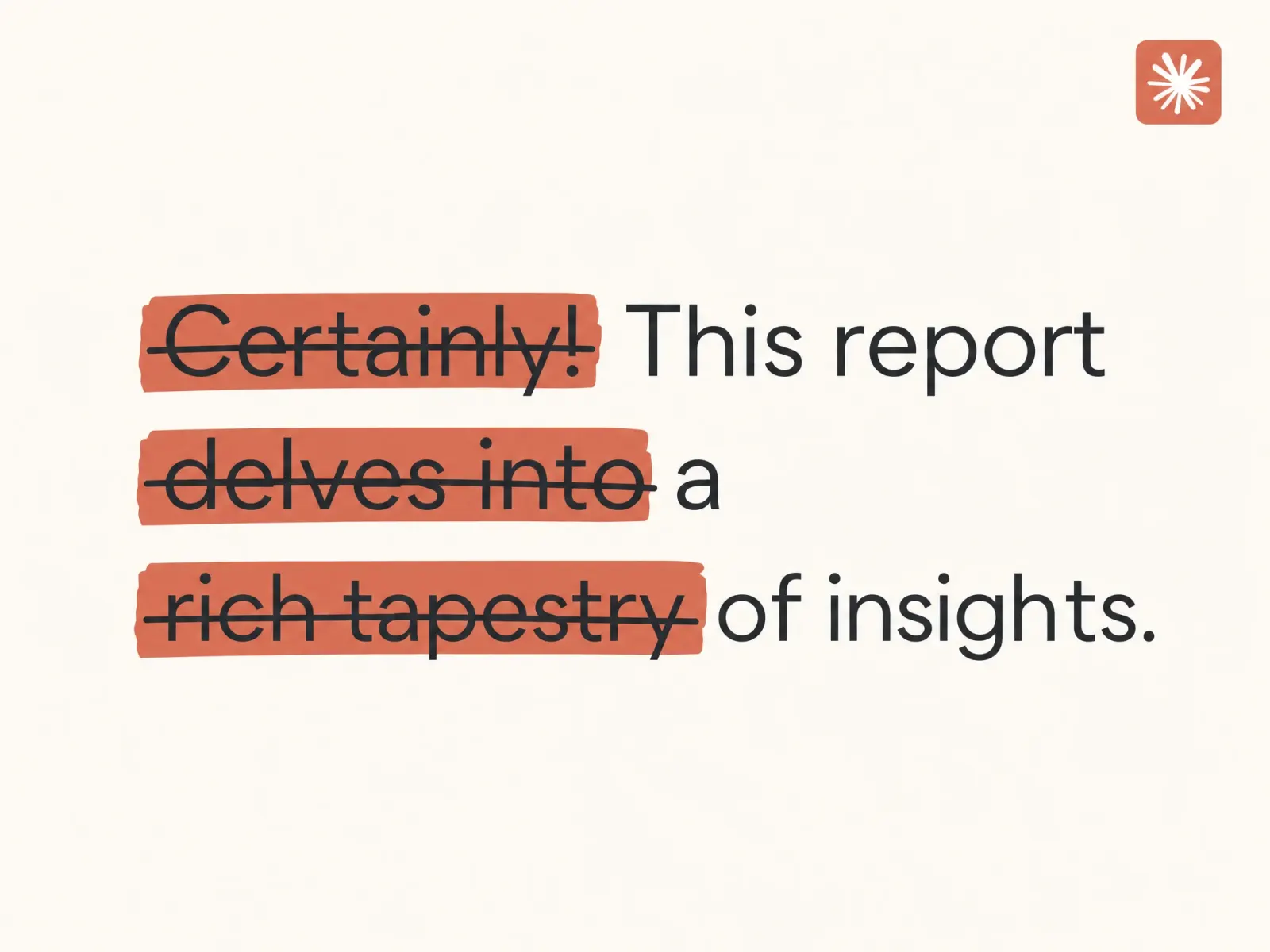
Overchat AI watermark remover also removes many of Claude's writing habits. For example, it eliminates the excessive use of em-dashes, flowery vocabulary, and triads. This makes the text sound less like a computer to the human ear.
Don't worry about using Claude to write your blog posts, newsletters, or product descriptions. You can publish them without worrying that people will find out that you used Claude to write them.
Claude's writing style is recognizable and turns off many readers — it's become synonymous with AI slop. Our Claude Watermark Remover eliminates these issues, making your text more readable and natural-sounding.
Join 350,000+ creators already using Overchat AI to write, edit images, and create videos with the help of the world's most powerful AI models.
Overchat AI brings you the power of the world's top AI models: GPT, Claude, Gemini, Mistral, and more.
Since August 2, 2026, new Claude models have been adding an invisible, statistical watermark to text that they generate. This watermark is a pattern in the words that they choose, added one token at a time during generation. Claude implemented this system to comply with Article 50 of the EU AI Act, and it is now being used all over the world. The watermark is a hidden statistical pattern — you can't see it with a naked eye, but it is visible to AI detectors, and because this signature is ingrained into the text itself, it survives copy-paste. Claude embeds the watermark across claude.ai, the Claude API, and Claude Code.
The Overchat AI Claude Watermark Remover uses a different family of large language models to rewrite (or paraphrase) the text you paste in, without adding a watermark. For an extra piece of mind, our cleaner first removes zero-width spaces, invisible joiners, and other Unicode artifacts that models sometimes use to mark AI-generated text. Then, the AI restructures sentences and modifies word choices, completely erasing the hidden statistical signature. According to Anthropic, detection becomes unreliable once the text is heavily paraphrased and the original token sequence is unrecognizabl
Light editing doesn't remove the Claude watermark. This is why you might need an AI tool to remove it unless you're fine with manually rewriting Claude-generated text. Anthropic designed the watermark to survive light modifications because it is a token-level signature spread across your entire text. However, it breaks down when the text is heavily rewritten, translated, or mixed with your own writing. Detection fails when roughly 70% of the token sequences are changed.
Yes, Overchat AI's Claude Watermark Remover is free to use. Enjoy unlimited usage for a limited time!
Chinese company Baidu has quietly released a model that's just as good as DeepSeek and ChatGPT — ERNIE 4.5 delivers exceptional performance at a fraction of the cost — and most people outside China have never even heard of it.

If you're wondering: what is DeepSeek AI, the answer is quite simple. DeepSeek AI is a Chinese AI research lab that builds large language models. The company released several models in late 2024 and early 2025 that compete directly with OpenAI's GPT-4 and Anthropic's Claude, but at a fraction of the operating cost.

ChatGPT Plus costs $20 per month plus tax, while the Pro plan costs $200 per month plus tax. Understandably, not everyone is willing to pay that much for a chatbot, especially if the premium features aren’t worth it to them. This raises an obvious question: how can I use ChatGPT for free?
Available on Web, iOS, and Android. Access your AI assistant anywhere, anytime.



.svg)
