Drop or browse
Max 10MB
Drop or browse
Max 10MB
Combine two photos into one seamless image using AI. Upload your images, merge photos online, and get stunning results in seconds.
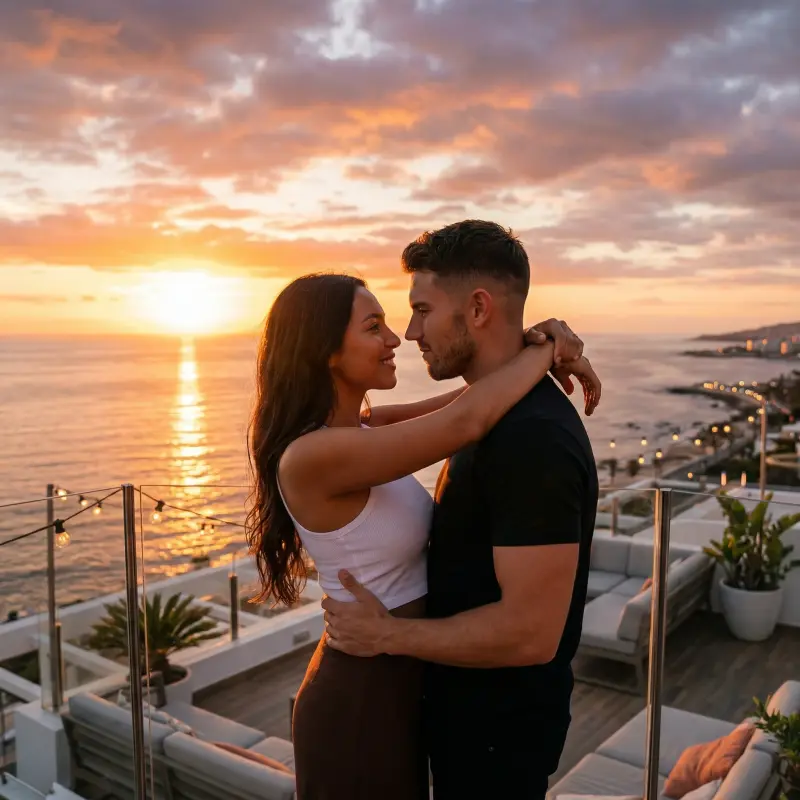
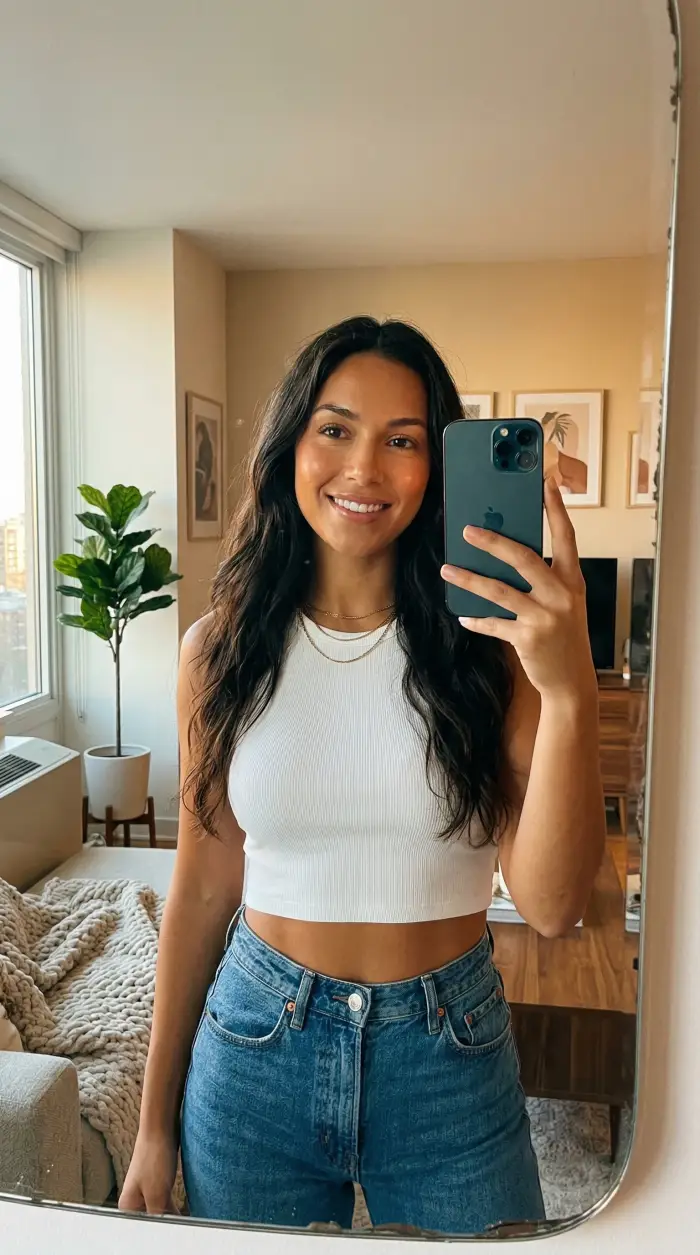 Photo 1
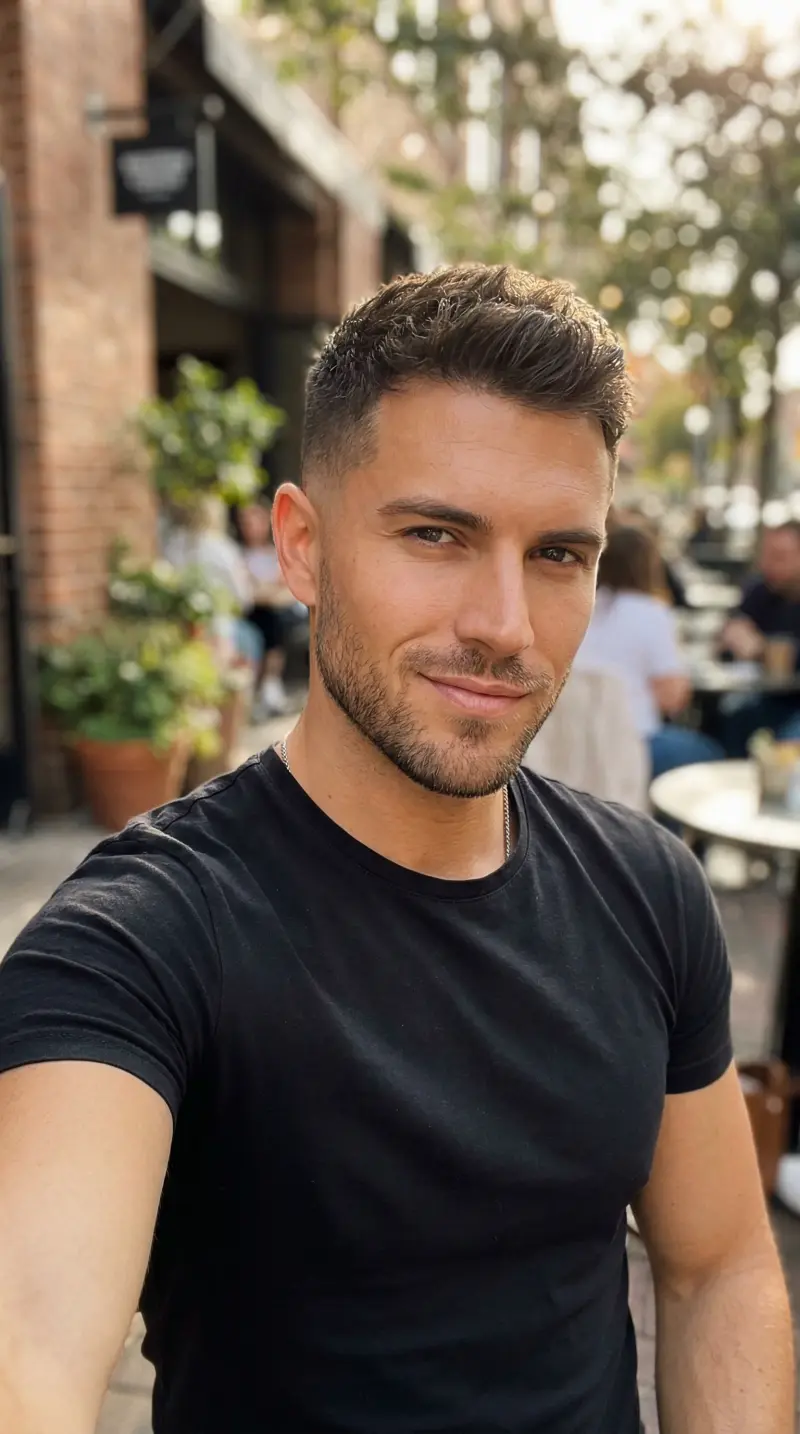 Photo 2

Combined two vacation photos into one perfect shot. The blending is incredible, you can't tell it's AI!

The lighting matching is unreal. Merged a portrait with a sunset background and it looks completely natural.

Made a family collage by combining group photos. Super easy to use and the results are stunning.

I use this for my design work all the time. The perspective and scale matching is remarkably good.

So easy! Just uploaded two photos and got a perfect result. Love the description feature for controlling how they merge.
Combined two vacation photos into one perfect shot. The blending is incredible, you can't tell it's AI!
The lighting matching is unreal. Merged a portrait with a sunset background and it looks completely natural.
Made a family collage by combining group photos. Super easy to use and the results are stunning.
I use this for my design work all the time. The perspective and scale matching is remarkably good.
So easy! Just uploaded two photos and got a perfect result. Love the description feature for controlling how they merge.
Upload two separate pictures and merge them into a single scene where both subjects appear as if they were originally photographed together.
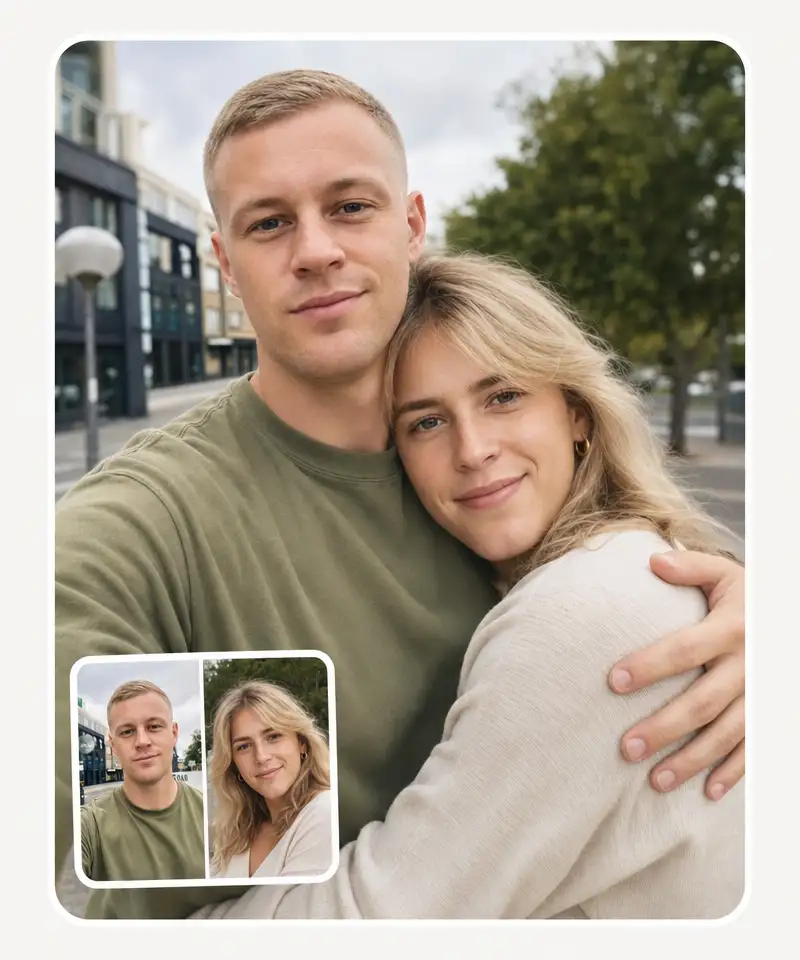
Overchat AI Image Combiner works for people, pets, products, or objects placed into new environments or combined with other subjects. The AI adjusts visual details so the final image feels like one continuous shot.
Use it to
Describe How to Merge & Combine Your Photos
Use the Overchat AI Image Merger textfield to describe how to combine the images — add plenty of details in plain English, and the AI image combiner will follow your instructions. Whether you want to merge two photos into a single scene or blend elements from multiple pictures, just tell it what you need.

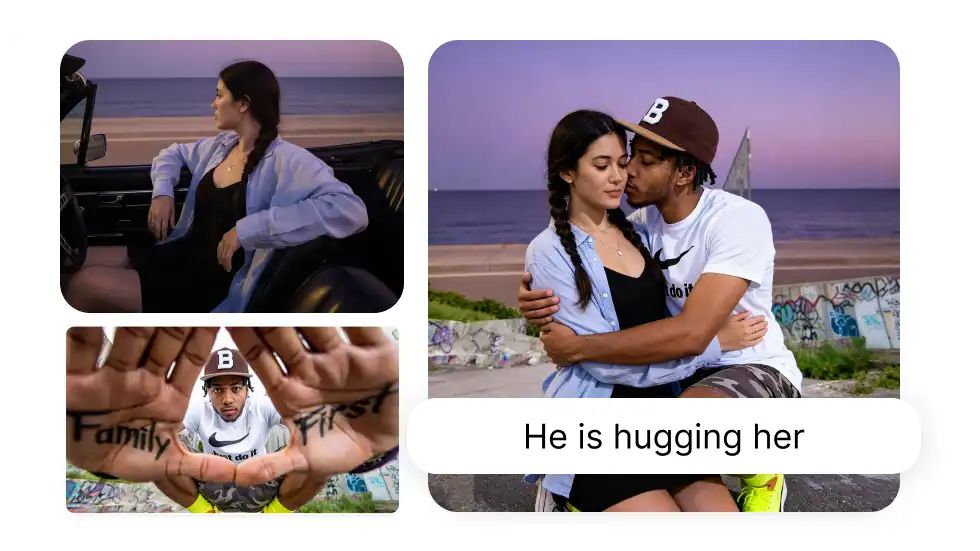
Natural-Looking Combined Images. Every time.
The AI will match lighting and colors and create a perfect mask, so your combined image looks like one photo rather than two things photoshopped together. This intelligent image merger analyzes depth, shadows, and perspective to produce realistic, seamless results every time.
Combine Any Two Photos Into One Image
Combine portraits with backgrounds, merge product photos for e-commerce listings, create before-and-after comparisons, or mix images however you want. The AI photo combiner adapts to any image type — selfies, landscapes, objects — and handles alignment automatically.
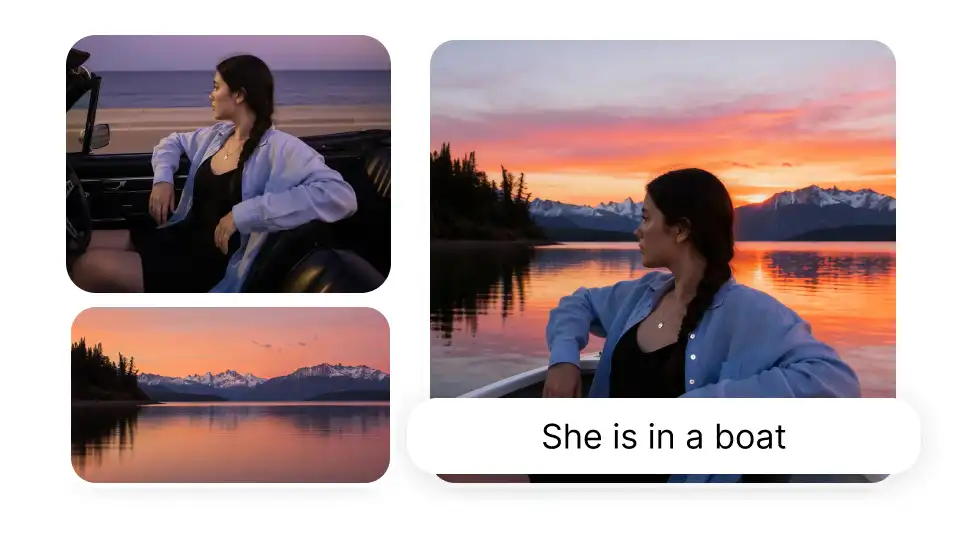
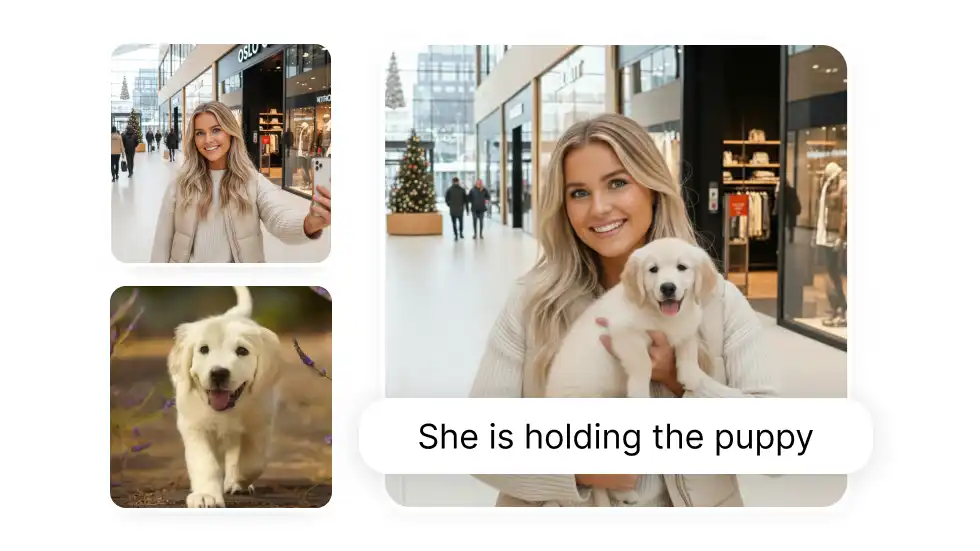
Resize Your Merged Image With Five Aspect Ratios
Easily create a merged image with a different aspect ratio than the original by choosing from five popular options, from portrait to landscape. Perfect for preparing combined photos sized for Instagram, Facebook, presentations, or print.
Discover how to use the Overchat AI photo joiner and turn throw-away shots into keepers
Swap Backgrounds
Replace boring backgrounds with better ones. Combine a portrait with any scene — put yourself on a beach, in a city, or anywhere you want. The AI merges the images naturally so the result looks like a real photo.
Place People Together
Combine photos of people who weren't in the same place. Merge separate portraits into one group photo — great for family pictures, team shots, or social media posts where everyone couldn't be together.
Compare Side by Side
Put two images next to each other for before/after shots, product comparisons, or visual differences. The AI image combiner places them side by side with consistent spacing and alignment.
Remix Images
Blend two photos into one artistic image. Merge elements from different pictures into something new — ideal for creative projects, concept art, or unique social media visuals.
Create Photo Collages
Merge multiple shots into one frame. Combine two or more images into a photo collage — arrange them however you describe and the AI handles layout and spacing automatically.
Resize Photos
Combine images and get the right dimensions for any platform. Choose from five aspect ratios to create merged photos perfectly sized for Instagram, Facebook, presentations, or prints.
Group & Family Photos
Merge separate portraits into one group shot. Bring family members, friends, or a whole team into a single frame even when they were never photographed together, with matched lighting so it looks like one real picture.
Product & E-commerce Shots
Place a product into a lifestyle scene for listings and ads. Combine a clean product shot with a real-world background so it looks professionally staged, no studio or photographer required.
Virtual Try-On
See how an outfit or accessory looks on you before buying. Combine a photo of yourself with a clothing item so the AI fits it naturally to your pose and body.
How to Combine Two Photos Online in 3 Easy Steps
Upload Two Images
Drop your photos into the chat and tell the AI how to combine two pictures in one frame.
Blend two Images Together
The AI merges your images based on your description.
Download Your AI Photo Merge
Get your combined image without watermarks and ready to use.
How to combine two photos online?

Upload two images to Overchat AI and describe how you want them combined. The AI will merge them based on your instructions - like "put person A on background B" or "blend these together.
How to combine two photos and put them side by side?
Upload both images and tell the AI "place them side by side" or "put them next to each other." Choose your aspect ratio and the AI will arrange them horizontally.
Is the Overchat AI Photo Combiner Free?
Overchat AI Image combiner is a paid tool, but we have many free AI tools, including a free AI image generator — to get started, just create a free account on Overchat AI.
What image formats can I upload?
JPG, PNG, and WEBP files up to 10MB each. Your combined image comes out as a PNG.
How long does it take to combine images?
Usually 10-30 seconds. Larger or more complex combinations might take up to a minute.
Can I adjust where each image goes?
Yes. Just describe the layout you want - "left and right," "one on top," "person in front of background," etc. The AI follows your instructions.
How does the AI merge two images?
The AI analyzes both images — detecting subjects, edges, lighting, and depth — then blends them into one cohesive composition. It automatically adjusts shadows, color tones, and perspective so the merged image looks natural rather than cut-and-pasted.
Can I combine images of different sizes?
Yes. The AI image combiner automatically adjusts size, alignment, and perspective when merging photos of different dimensions. You can also choose from five aspect ratios to control the final output size.
Can I use the merged photo commercially?
Yes. You own the combined image and can use it for any purpose — commercial projects, marketing materials, social media, e-commerce listings, or print.
Can I combine more than two photos at once?
Yes. While most merges use two images, you can upload several and have the Overchat AI Image Stitcher blend them into one scene — for example placing three people together, or dropping a product and a prop into the same background. Describe how the subjects should relate in the prompt, and the AI arranges them with consistent lighting and perspective. The more images you add, the more specific your description should be so each subject lands where you want it.
How do I combine two photos on my iPhone?
Open Overchat AI Image Combiner in your phone's browser — there's no separate app to install. Upload the two photos from your camera roll, type how they should be combined, and download the finished image straight to your phone. Unlike the iPhone Shortcuts "Combine Images" action, which only stitches photos side by side or in a grid, Overchat AI merges them into a single natural scene where the subjects actually belong together.
Do I need Photoshop or any design skills?
Yes. You own the combined image and can use it for any purpose — commercial projects, marketing materials, No. Overchat AI Image Combiner handles the cutout, lighting, color matching, and edge blending automatically, so you don't need Photoshop, layers, or masking experience. You upload your photos and describe the result in plain language — the AI does the compositing that would normally take manual editing to pull off. media, e-commerce listings, or print.


