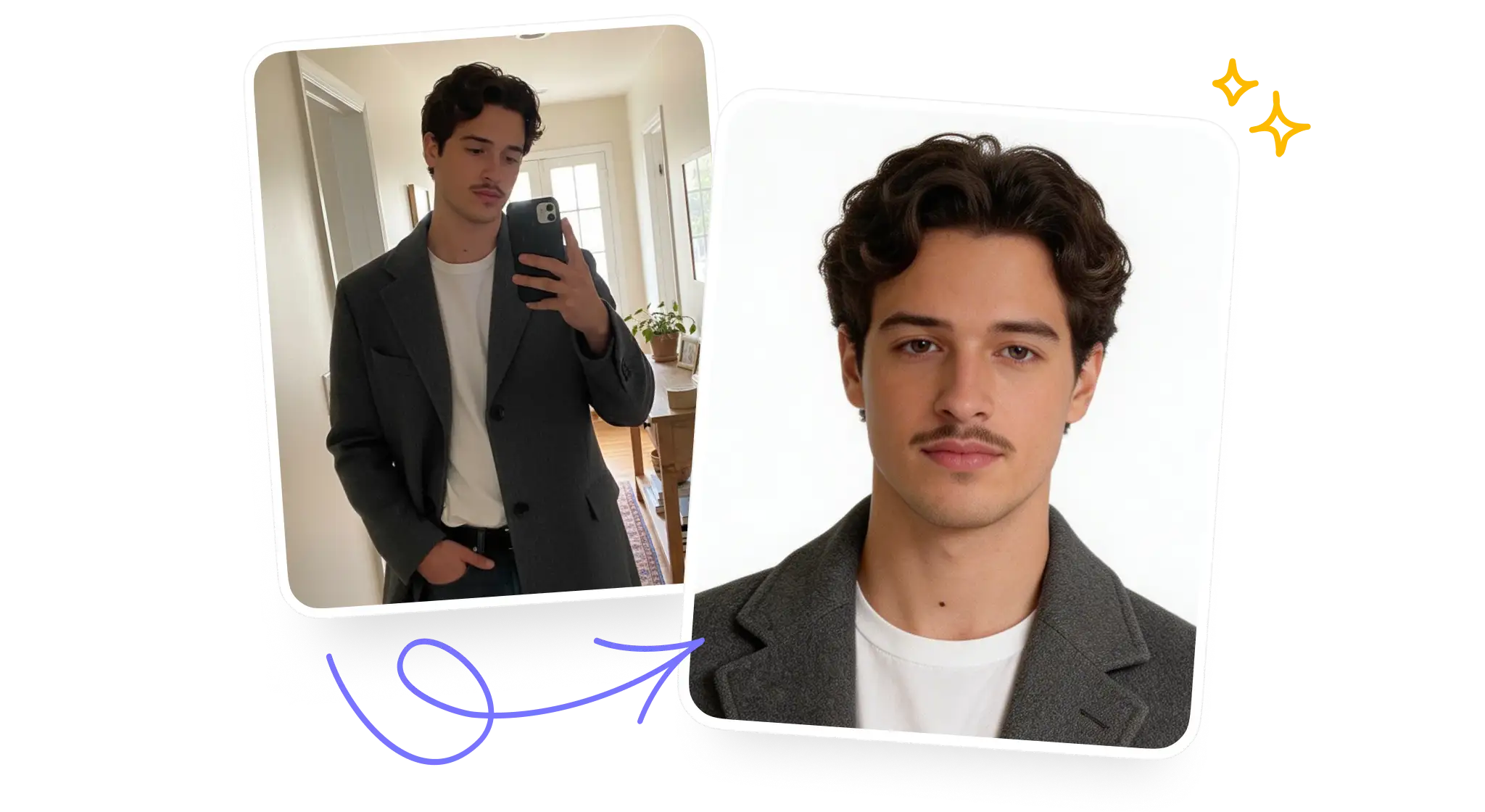
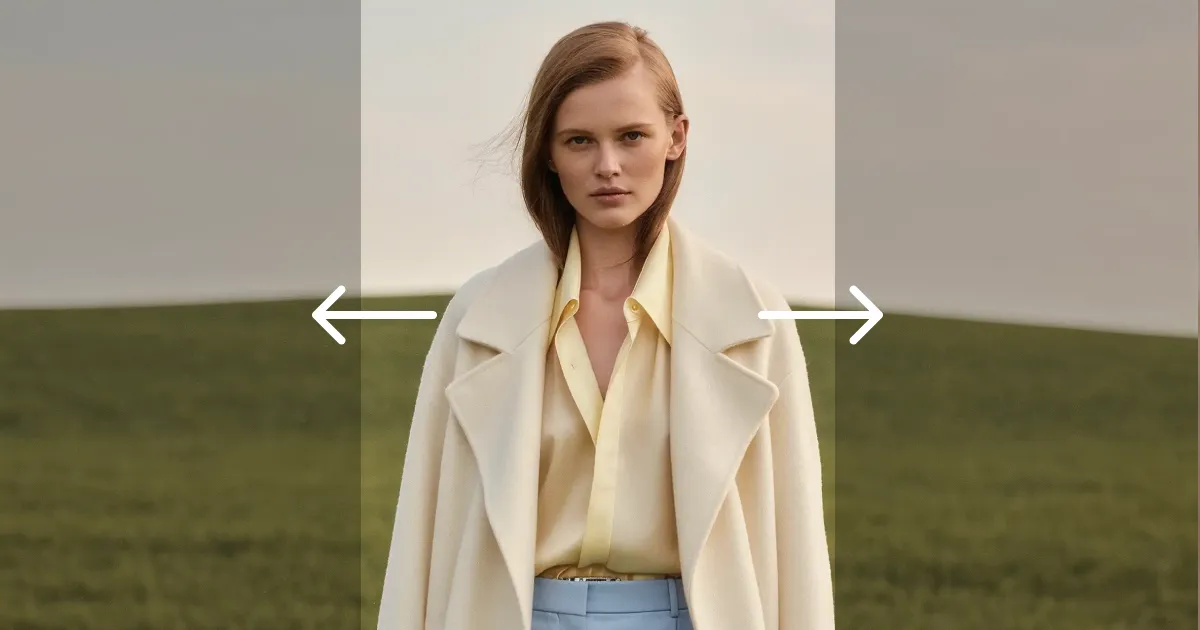
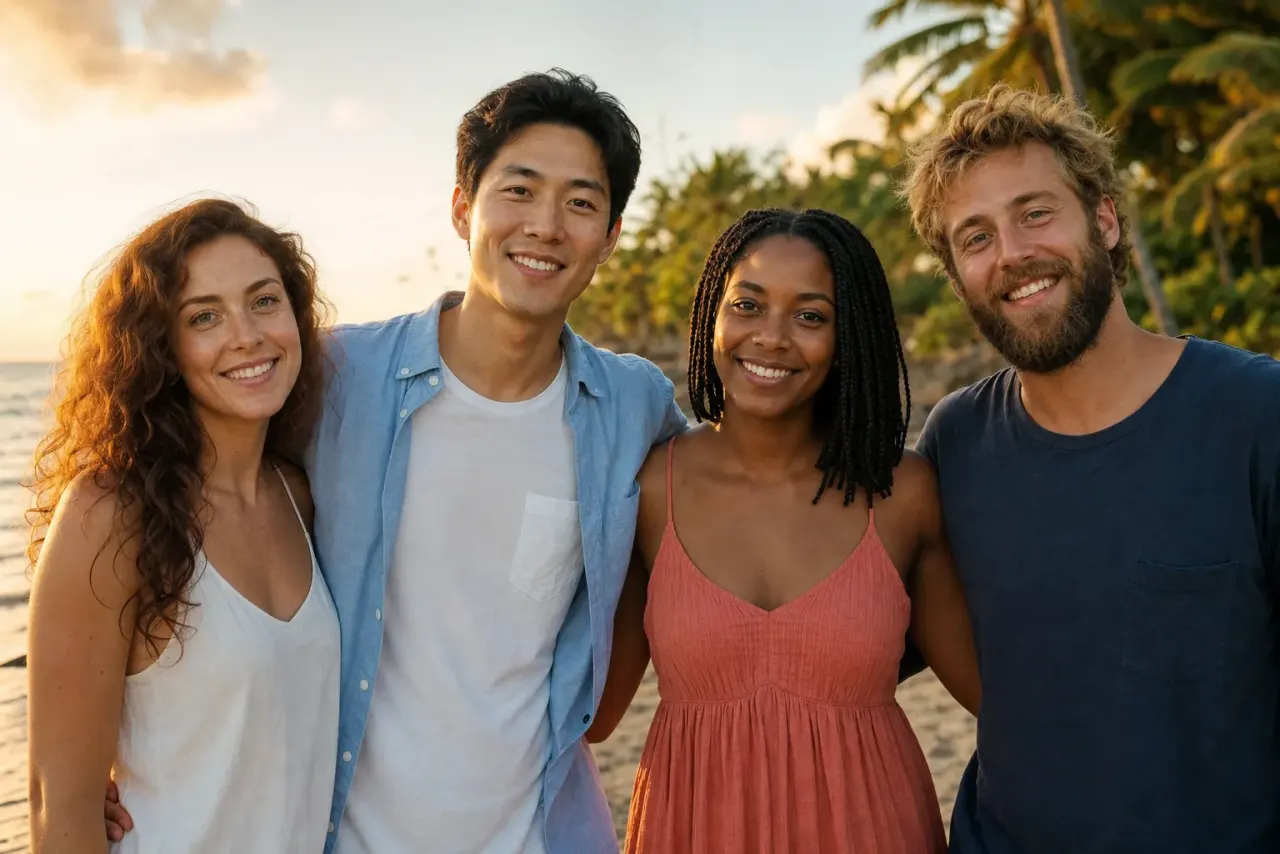
Create AI images from text or your own photos with GPT Image 2.5, Nano Banana, Seedream and Flux in one free AI image generator. Describe an idea, pick a model and a style, and get a picture in seconds.
Tap any image to use its prompt, then change a detail or pick another model to make it your own.
Overchat AI brings together GPT Image 2.5, Nano Banana, Seedream, Flux, Grok Imagine and Qwen Image in one AI image generator. Pick the model that fits the job, or run up to four models on the same prompt and compare the results side by side.

Best for posters, ads and anything with readable text in the image. Follows long, detailed prompts closely. Available in Flare and Sunburst versions.

Best for editing your own photos and working from reference images. Keeps faces and products recognizable across edits. Nano Banana 2 is the faster, lower-cost option.

Best for photorealistic portraits, product shots and fashion images. Renders natural skin, fabric and lighting in up to 4K. Seedream 5 Lite is the quick option for drafts.

Best for realistic lighting, skin and fine detail when you need a photo-like result. Follows detailed prompts about composition and camera settings. Can also edit photos from reference images.

Best for bold, stylized images and fast ideas for social media. Good at eye-catching colors, memes and playful concepts. Grok Imagine Image is the budget version for quick tests.

Best for clean graphic design, layouts and text inside images. Handles posters, infographics and signs, including Chinese text. A low-cost choice for design drafts.
Create AI images from text, edit your own photos and turn results into videos in one studio.
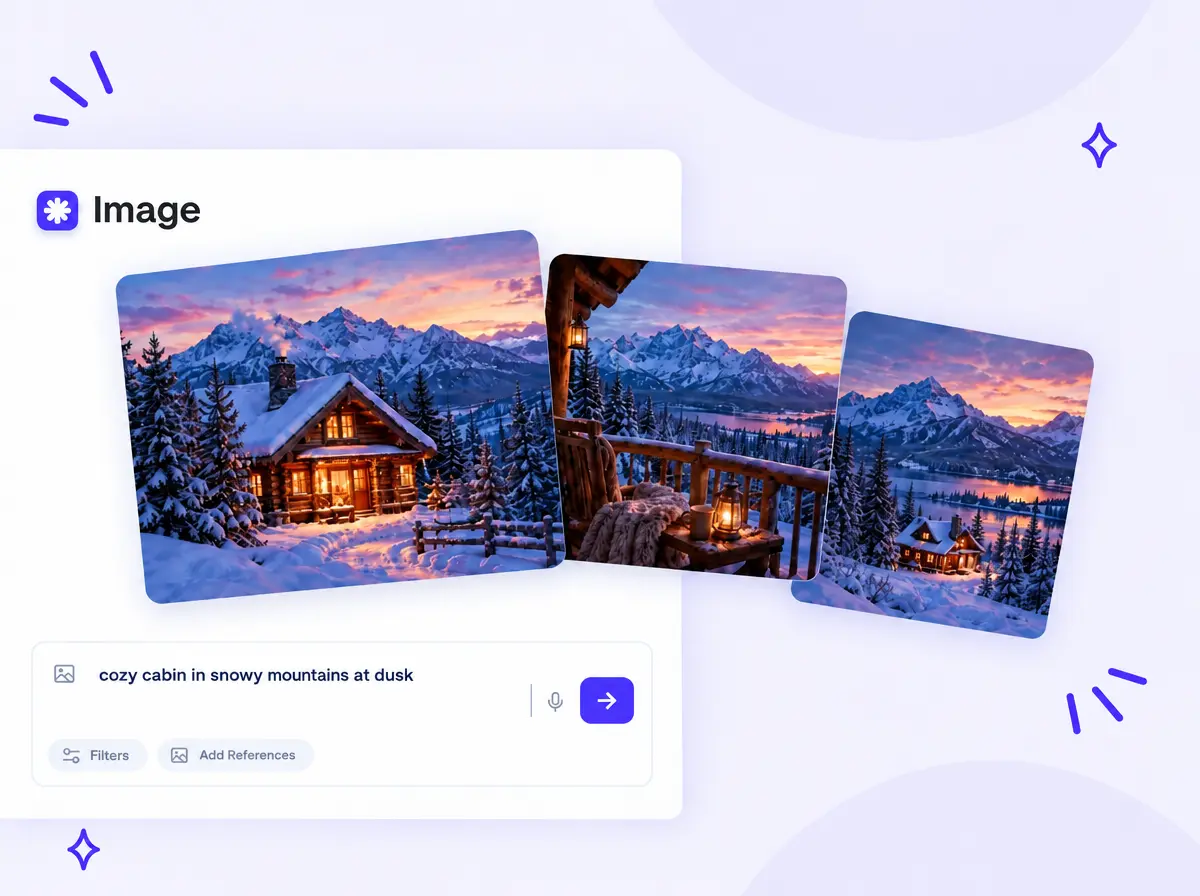
Type a prompt with the subject, setting, lighting and style, and the AI turns it into an image in seconds: a realistic photo, an anime illustration, a 3D render or a poster. The prompt enhancer expands a few words into a detailed description, and voice input lets you dictate an idea instead of typing it.
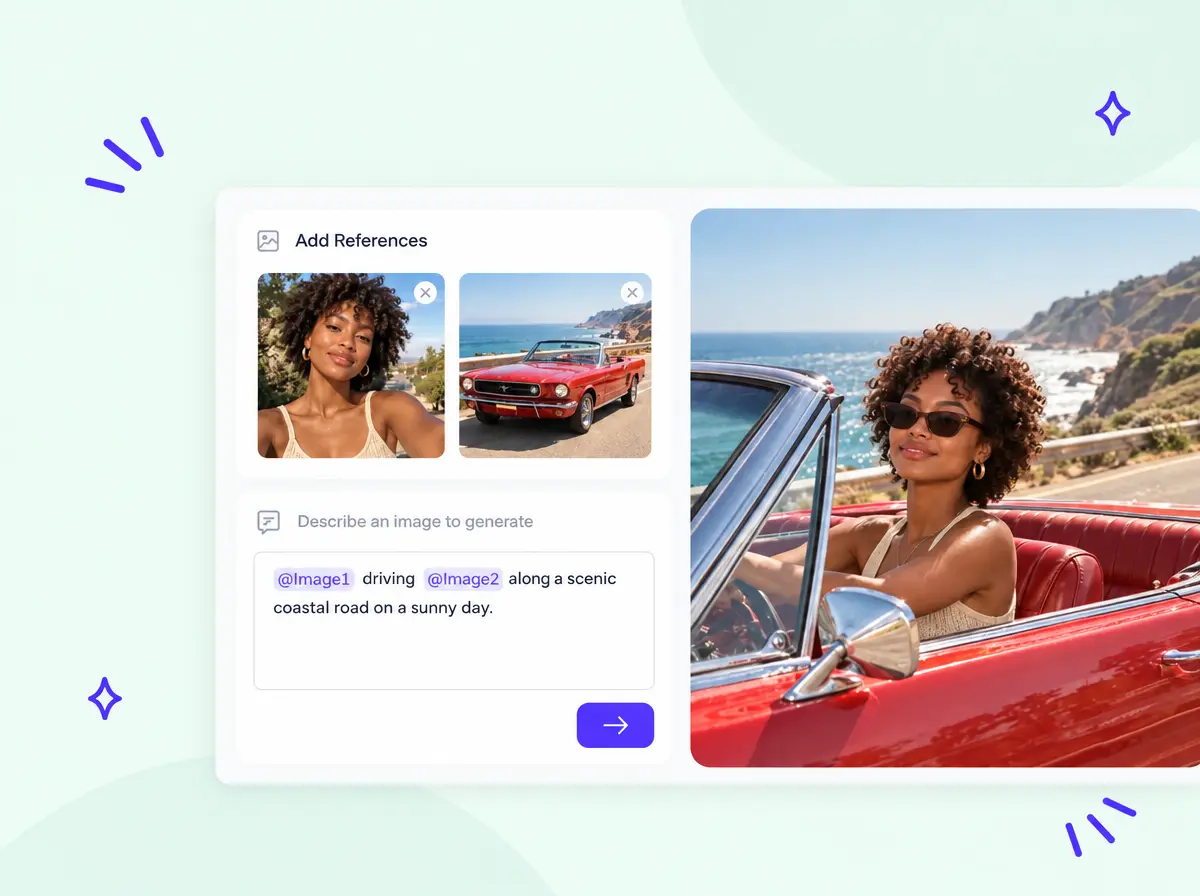
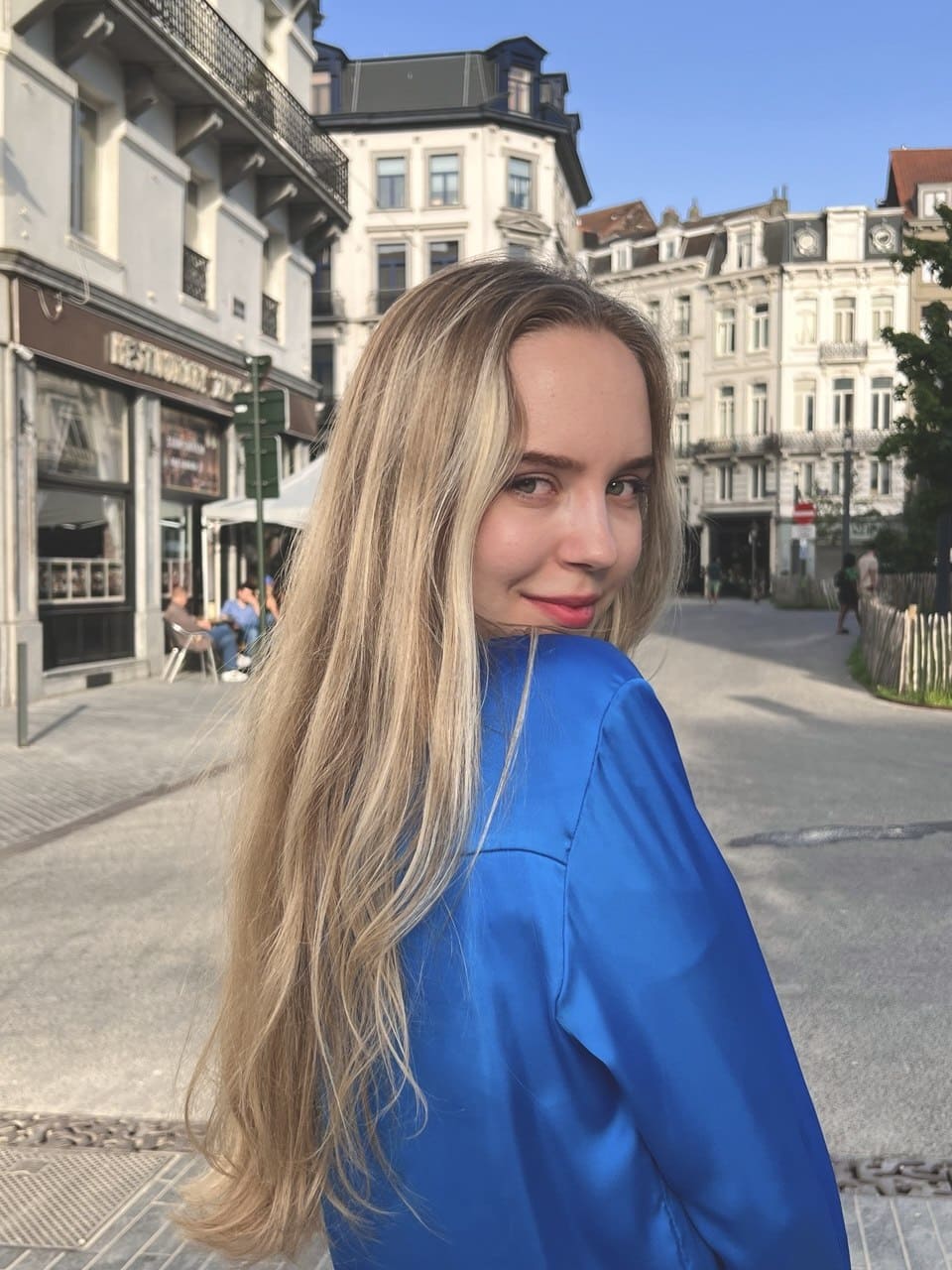
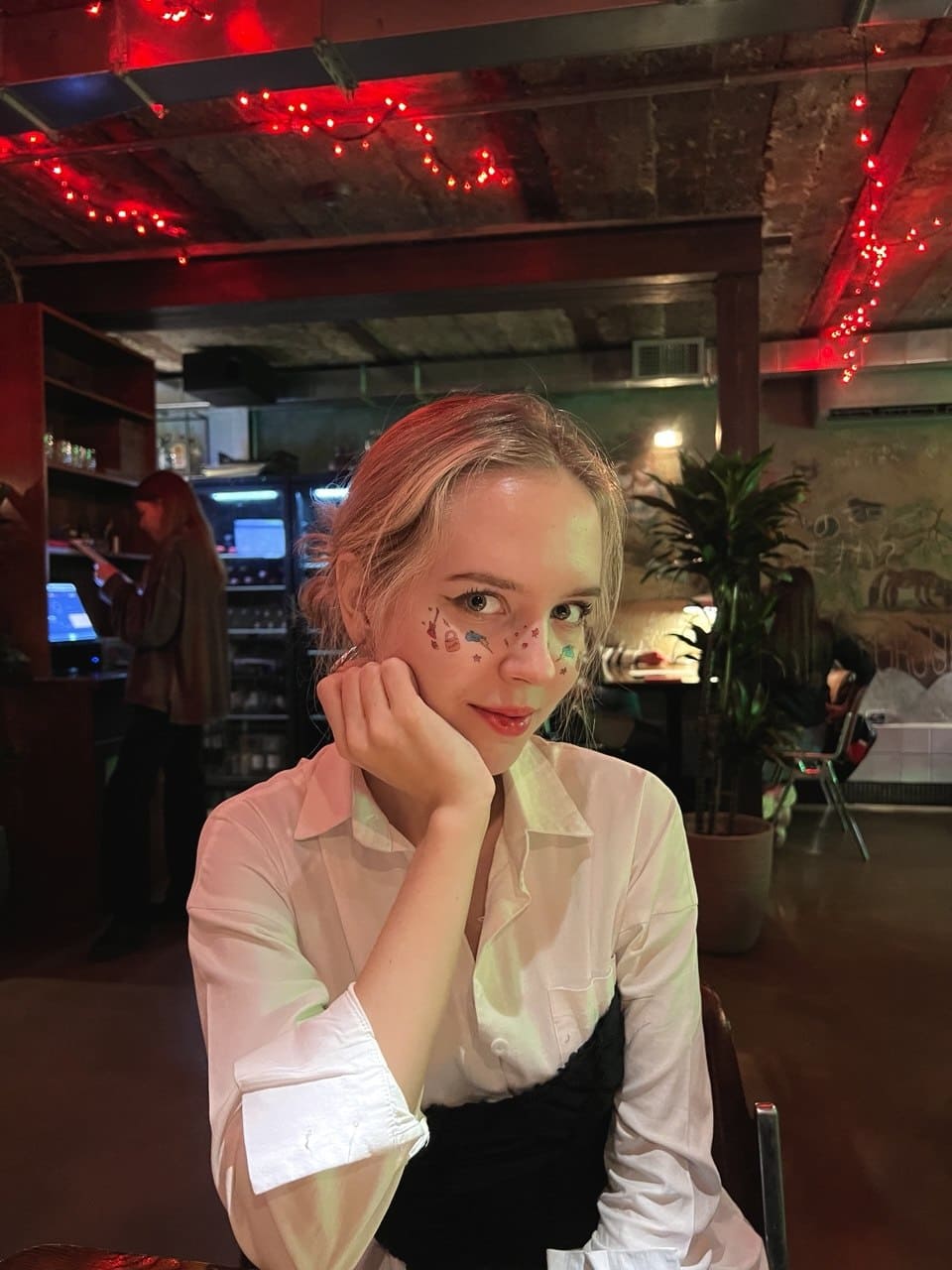
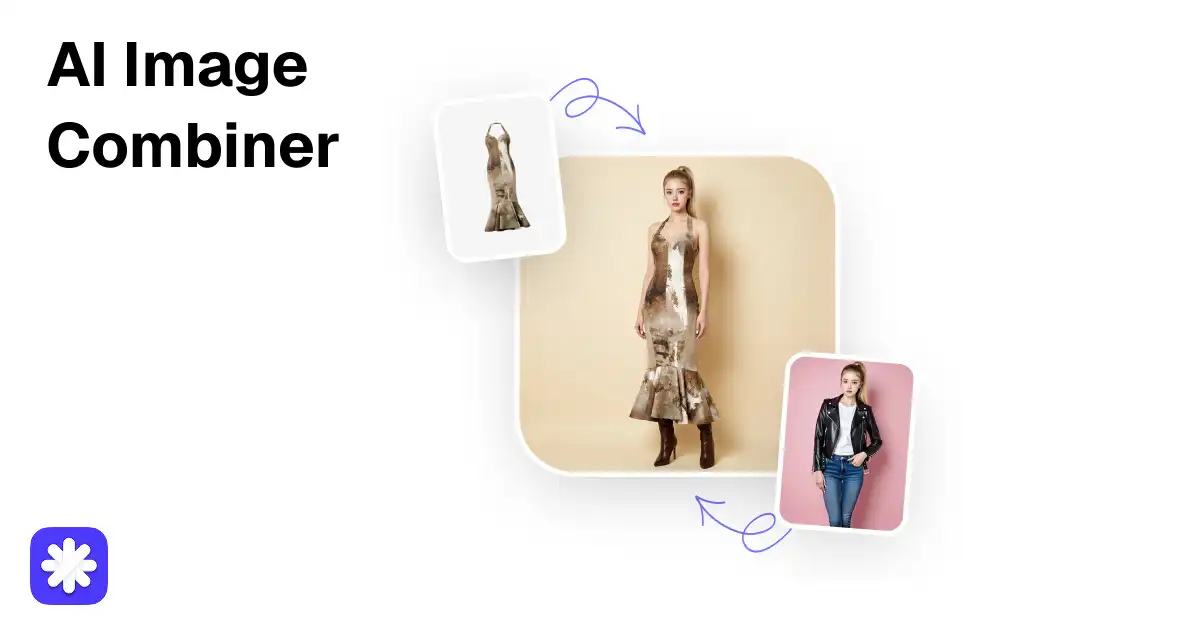
Upload up to 4 reference images and mention them in the prompt as @Image1 and @Image2 to put yourself on a new background, change an outfit, restyle a photo as a painting or place a product in a new scene. The AI keeps the faces, objects and colors from your photos.
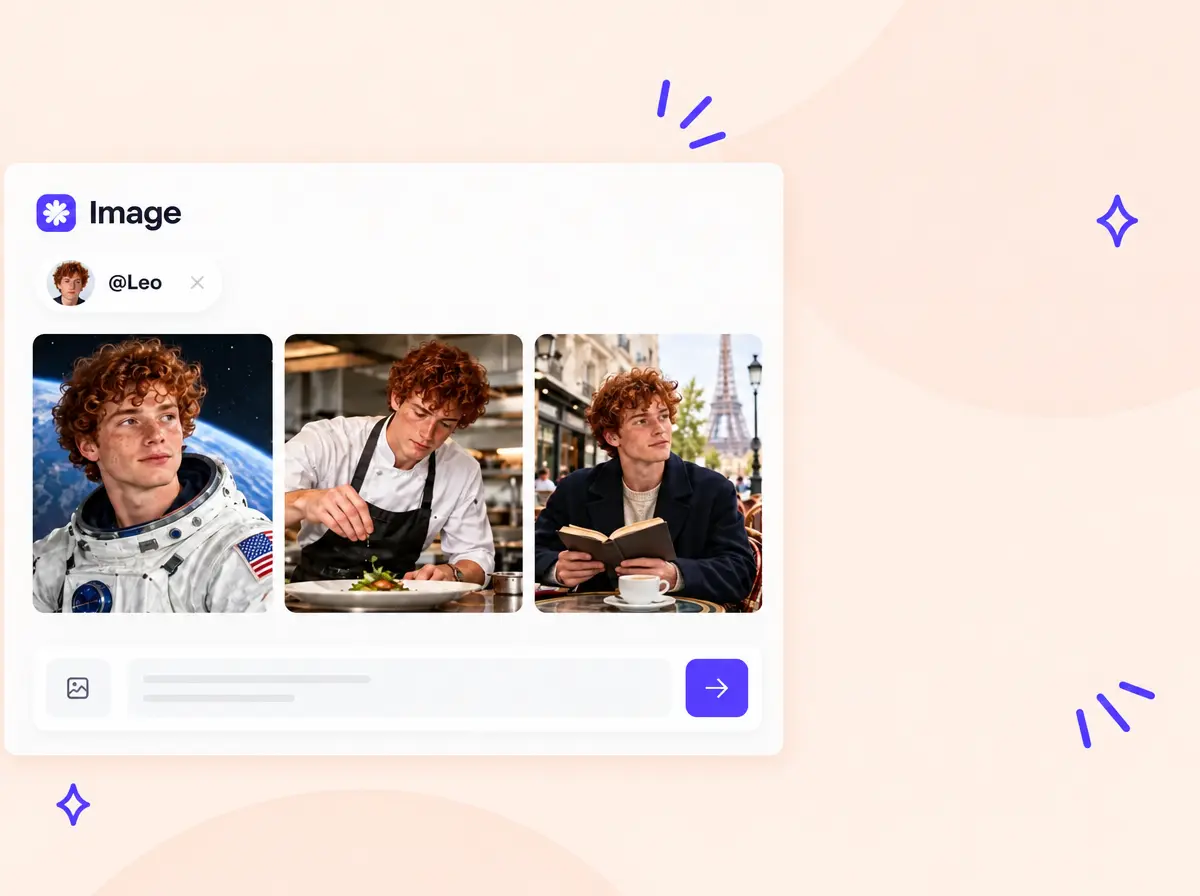
Save a character once and mention it by name in any prompt to keep the same face across profile pictures, social media series and comic stories.
Create a character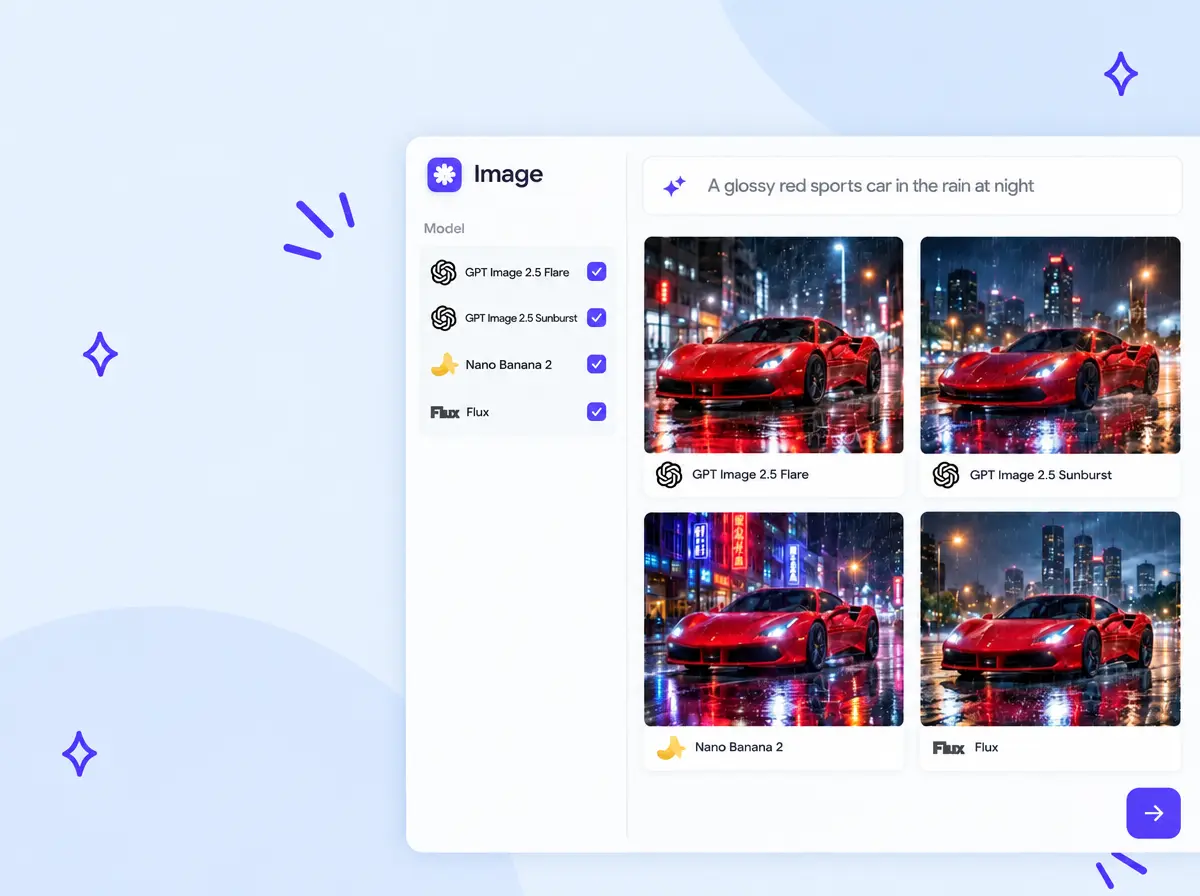
Run one prompt on up to 4 models at once, including GPT Image 2.5, Nano Banana, Seedream and Flux, get up to 8 variants from each and keep the best image.
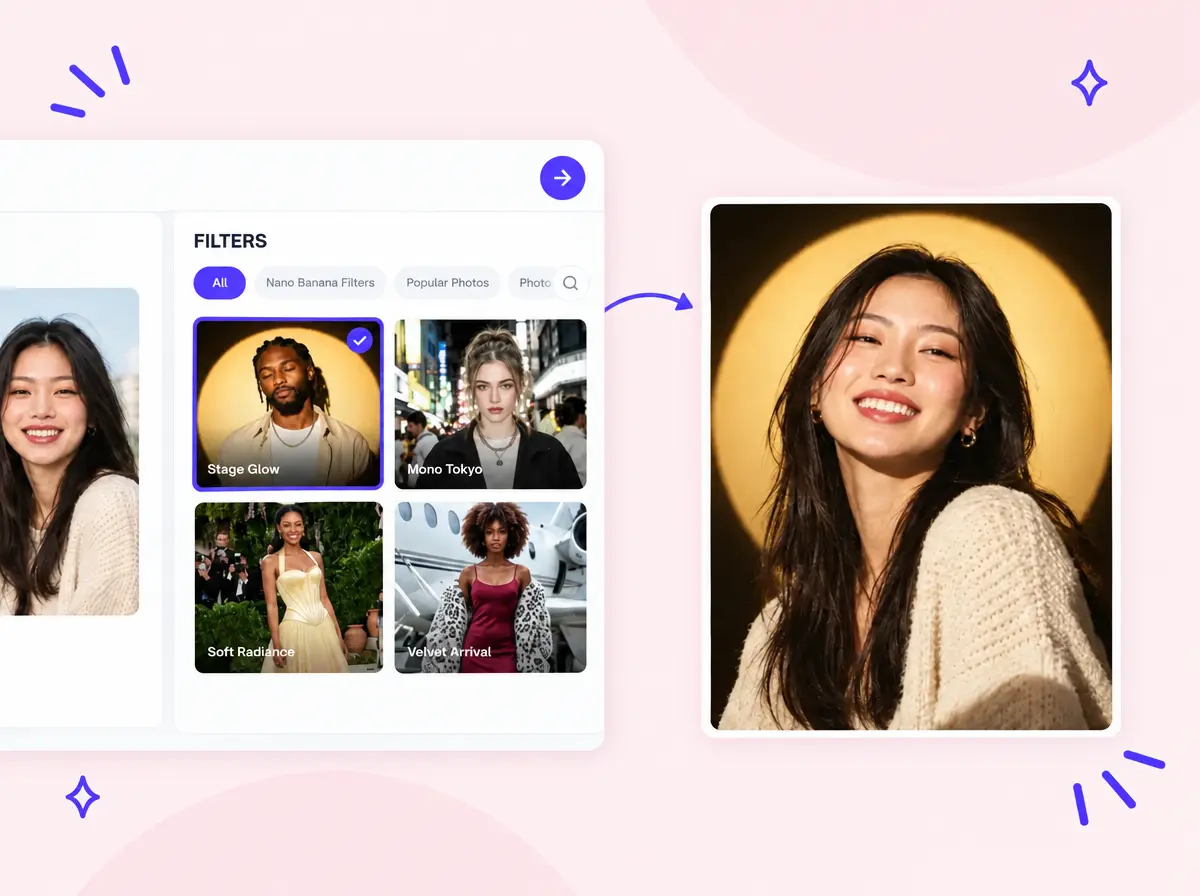
Pick a ready-made filter, upload a photo and get the look in one click, no prompt needed: golden hour and Y2K portraits, travel shots, yearbook photos, 3D bobbleheads, graffiti posters and product ads.
Browse 240+ filters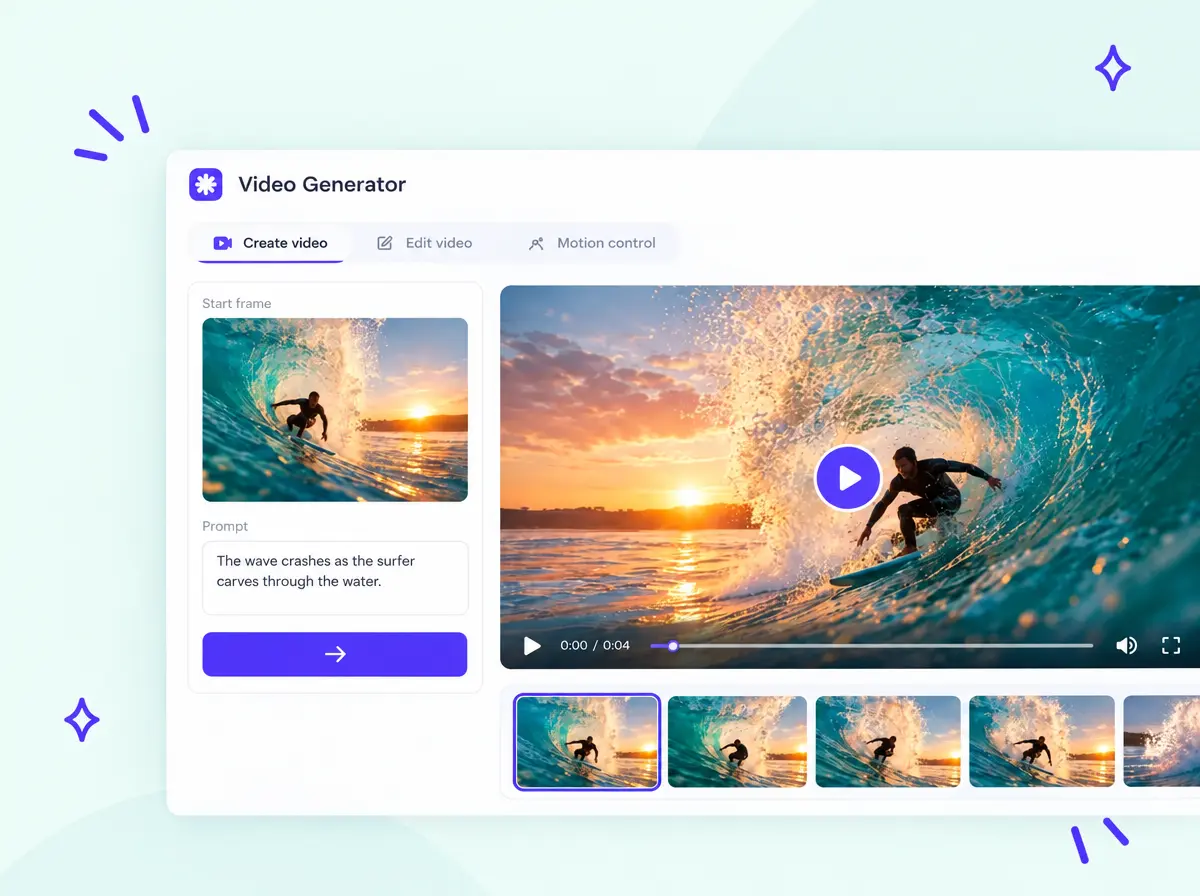
Open any image you generated and turn it into a short AI video in the same studio. Images and videos stay in your history with their prompts and settings, so you can reuse them or download several at once as a ZIP.
Make a videoTurn a text prompt into an AI image in three steps, right on this page.
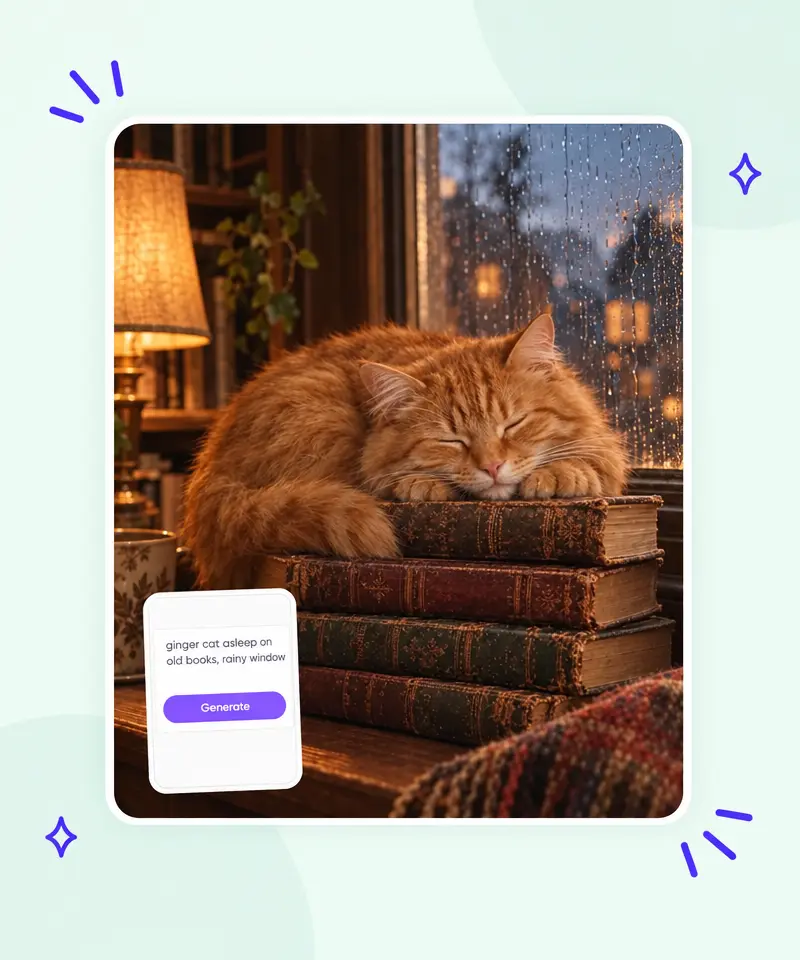
Type a prompt in the box at the top of the page: the subject, what it is doing and where, plus the style, lighting and colors, for example "a ginger cat asleep on old books by a rainy window, warm lamp light, photorealistic". For posters, put the exact words in quotes. To edit your own picture, upload up to 4 reference photos and mention them as @Image1 and @Image2.
Pick the model for the task: GPT Image 2.5 for text and long prompts, Nano Banana Pro for photo edits, Seedream 5 Pro or Flux 2 Max for photorealism. Set the aspect ratio (1:1 for posts, 9:16 for stories, 16:9 for thumbnails) and the number of variants. The price in credits is shown on the Generate button.
Press Generate and get your images in seconds. Download the one you like, edit it with a new prompt, use it as a reference for the next image or turn it into a video. Every result stays in your history with its prompt and settings.
Describe what you want to see and get AI images from the best models in seconds.
From a quick social post to a full ad campaign, the free AI image generator covers everyday visuals for work and fun.
Instagram posts, carousels, story backgrounds, holiday posts and TikTok covers in the right aspect ratio.
Product photos, promo banners, ad creatives and packaging concepts without a photo shoot.
Blog headers, article illustrations, YouTube thumbnails, podcast covers and e-book covers.
Slide visuals, posters and illustrations of historical scenes or abstract ideas for essays and lessons.
Anime, fantasy, sci-fi and cyberpunk art, fan art, phone wallpapers and prints for your wall.
Profile pictures, avatars, pet portraits and characters for games, comics and stories.
Model comparisons, prompt guides and hands-on tests from the Overchat AI blog.
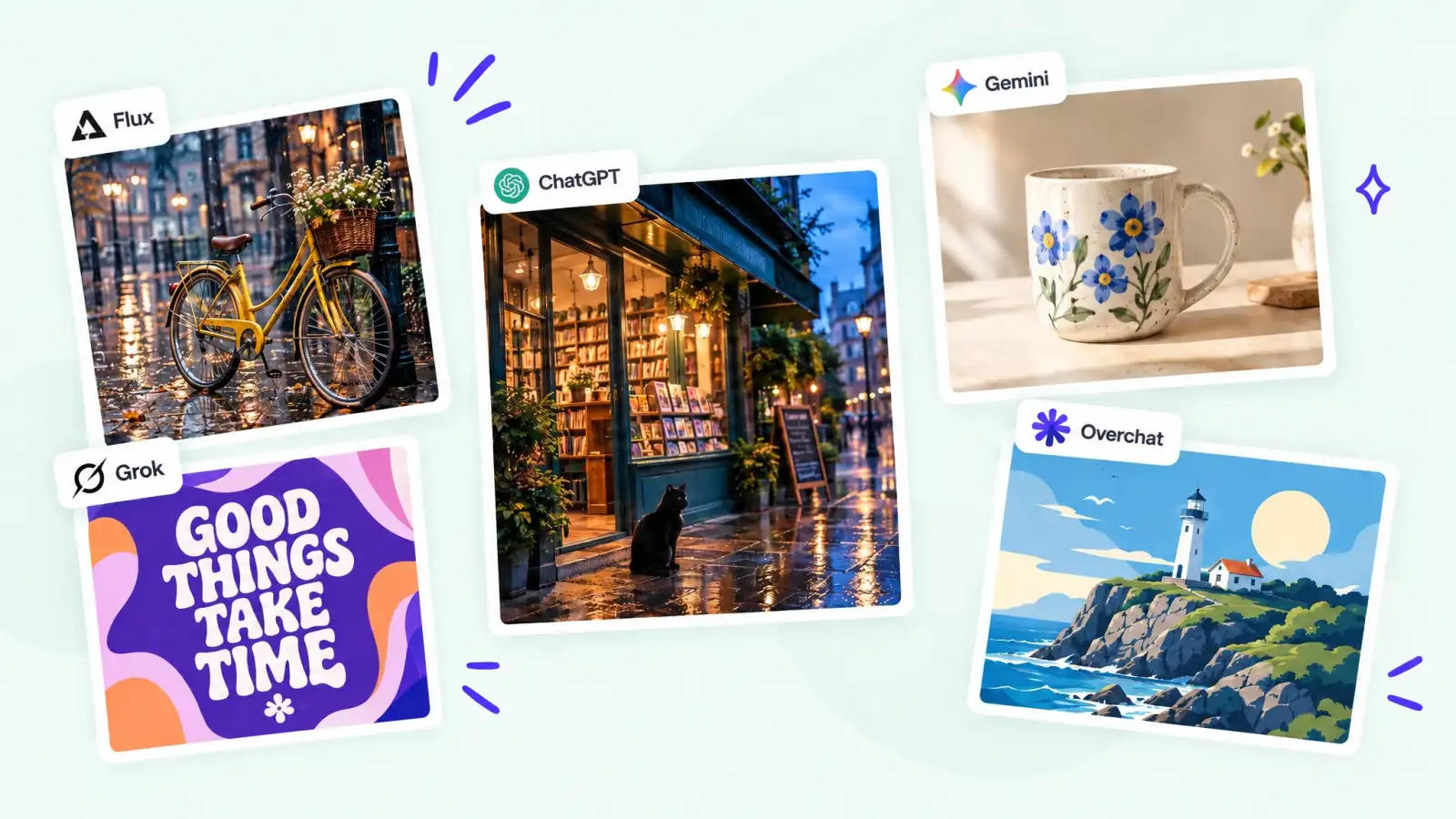 I Tested 9 of the Best AI Image Generators in 2026
Nine leading AI image generators tested with one identical prompt for realism, prompt adherence and artistic quality.
I Tested 9 of the Best AI Image Generators in 2026
Nine leading AI image generators tested with one identical prompt for realism, prompt adherence and artistic quality.
 We Tested GPT Image 2.5 Against Seedream 5 Pro
15 side-by-side tests: photo edits, multi-step editing, style control, typography, UI and concept art.
We Tested GPT Image 2.5 Against Seedream 5 Pro
15 side-by-side tests: photo edits, multi-step editing, style control, typography, UI and concept art.
 We Compared GPT Image 2.5 vs GPT Image 2
What changed in the new version, shown in 15 side-by-side tests from photo edits to typography and UI design.
We Compared GPT Image 2.5 vs GPT Image 2
What changed in the new version, shown in 15 side-by-side tests from photo edits to typography and UI design.
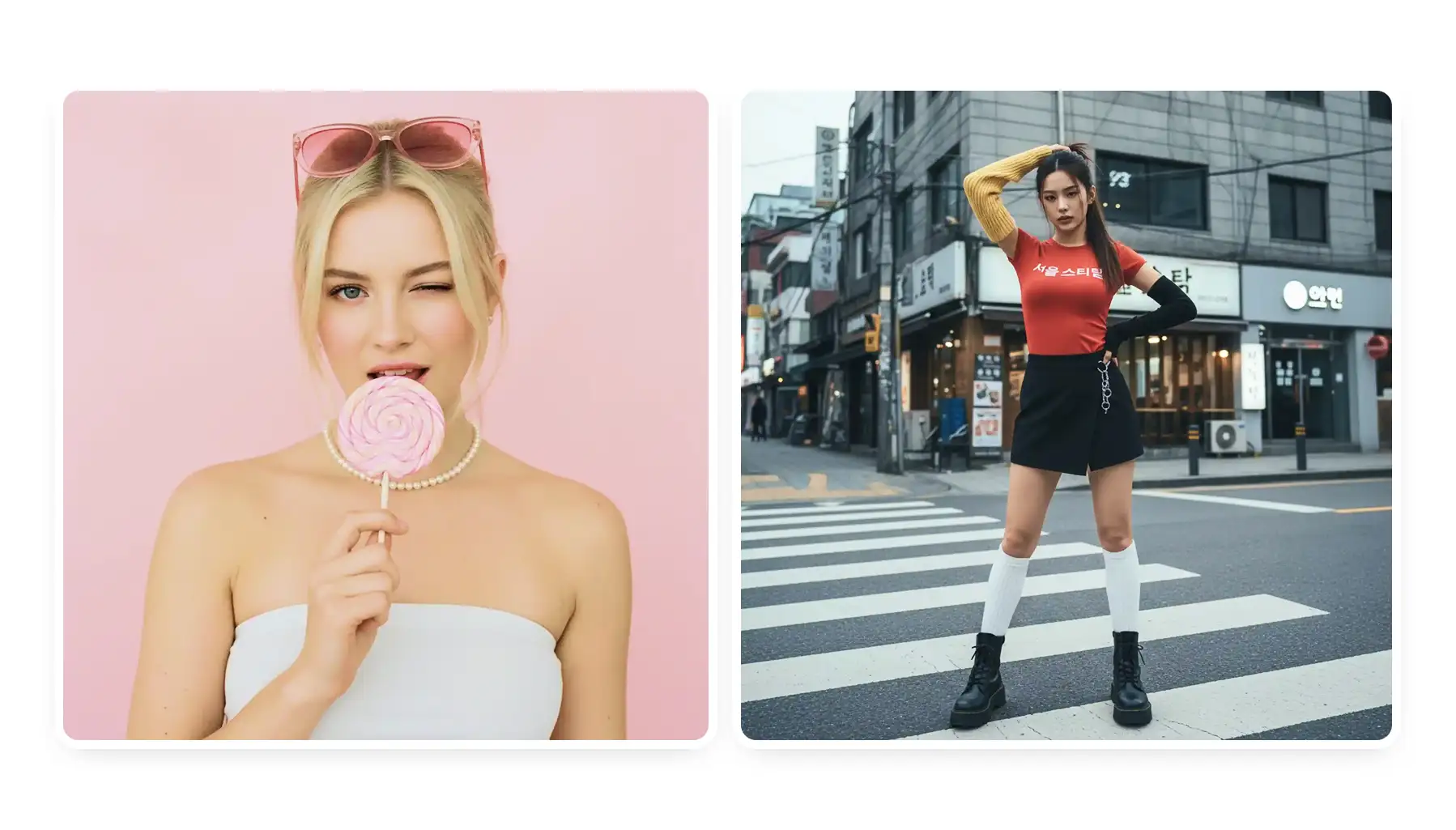 How to Make Realistic AI Photos: Prompts, Examples
The 7 elements of a prompt that make AI photos look real, with proven examples you can adapt.
How to Make Realistic AI Photos: Prompts, Examples
The 7 elements of a prompt that make AI photos look real, with proven examples you can adapt.
 How to Write Effective AI Art Prompts (from Beginner to Pro)
How to write AI art prompts that get better results, with examples and an 8-step template.
How to Write Effective AI Art Prompts (from Beginner to Pro)
How to write AI art prompts that get better results, with examples and an 8-step template.
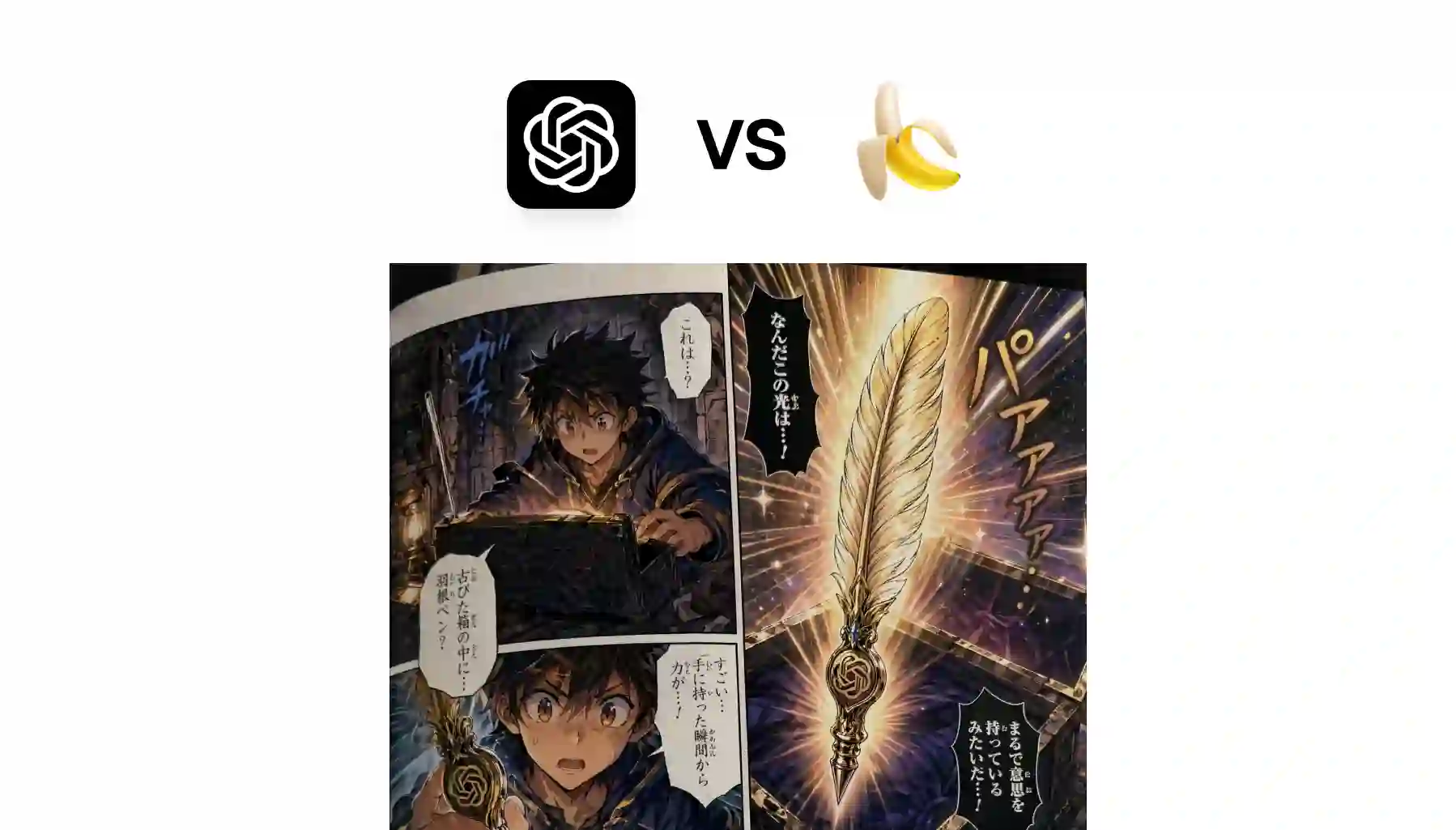 GPT Image 2 vs Nano Banana 2
Which model wins on quality, speed and text rendering, and which one to use for your task.
GPT Image 2 vs Nano Banana 2
Which model wins on quality, speed and text rendering, and which one to use for your task.
An AI image generator is a tool that creates new images from a text description. You write a prompt, and an AI model draws a matching picture: a photo, an illustration, a poster or AI art in any style.
Text-to-image models are trained on millions of images and their captions, so they learn how words map to shapes, colors and styles. When you enter a prompt, the model builds a new image step by step until it matches your description.
Yes, you can start for free. Sign up with Google or Apple and generate with a free account, one model and one image per run. Each generation costs credits, and the price is shown on the Generate button before you run it. Pro lets you run up to 4 models and 8 variants per model at once.
It depends on the task. GPT Image 2.5 is strongest at text in images and long, detailed prompts. Nano Banana Pro is best for editing your own photos. Seedream 5 Pro and Flux 2 Max give the most photorealistic results. Overchat AI has all of them in one place, so you can run the same prompt on several models and keep the best image.
Yes. Upload up to 4 reference images, mention them in the prompt as @Image1, @Image2 and describe the change: a new background, outfit, style or scene. You can also save a character to keep the same face across images.
Yes. GPT Image 2.5 and Qwen Image 2 render headlines, labels and short phrases clearly. Put the exact words in quotes in your prompt.
Yes, you can use the images you create in personal and commercial projects, such as ads, websites, social media and merchandise. Avoid prompts that copy real people, brand logos or copyrighted characters.
You can pick 1:1, 4:3, 3:4, 16:9 or 9:16, depending on the model. Use 1:1 for posts, 9:16 for stories and wallpapers, and 16:9 for thumbnails and banners.
Most images are ready in a few seconds. Larger runs with several models or variants take a bit longer.
Yes. Open any result to edit it with a new prompt, use it as a reference for the next image, regenerate it or turn it into a video. Every image stays in your history with its prompt and settings.

.webp)