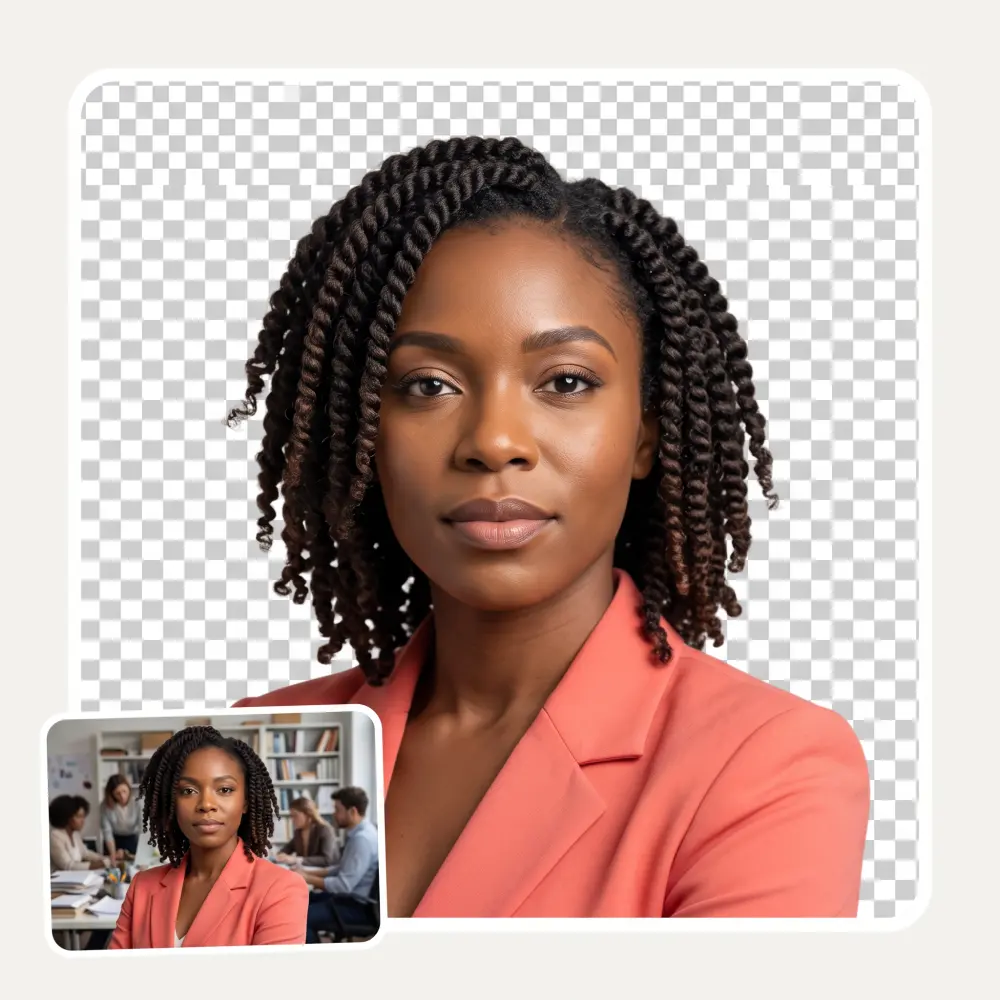
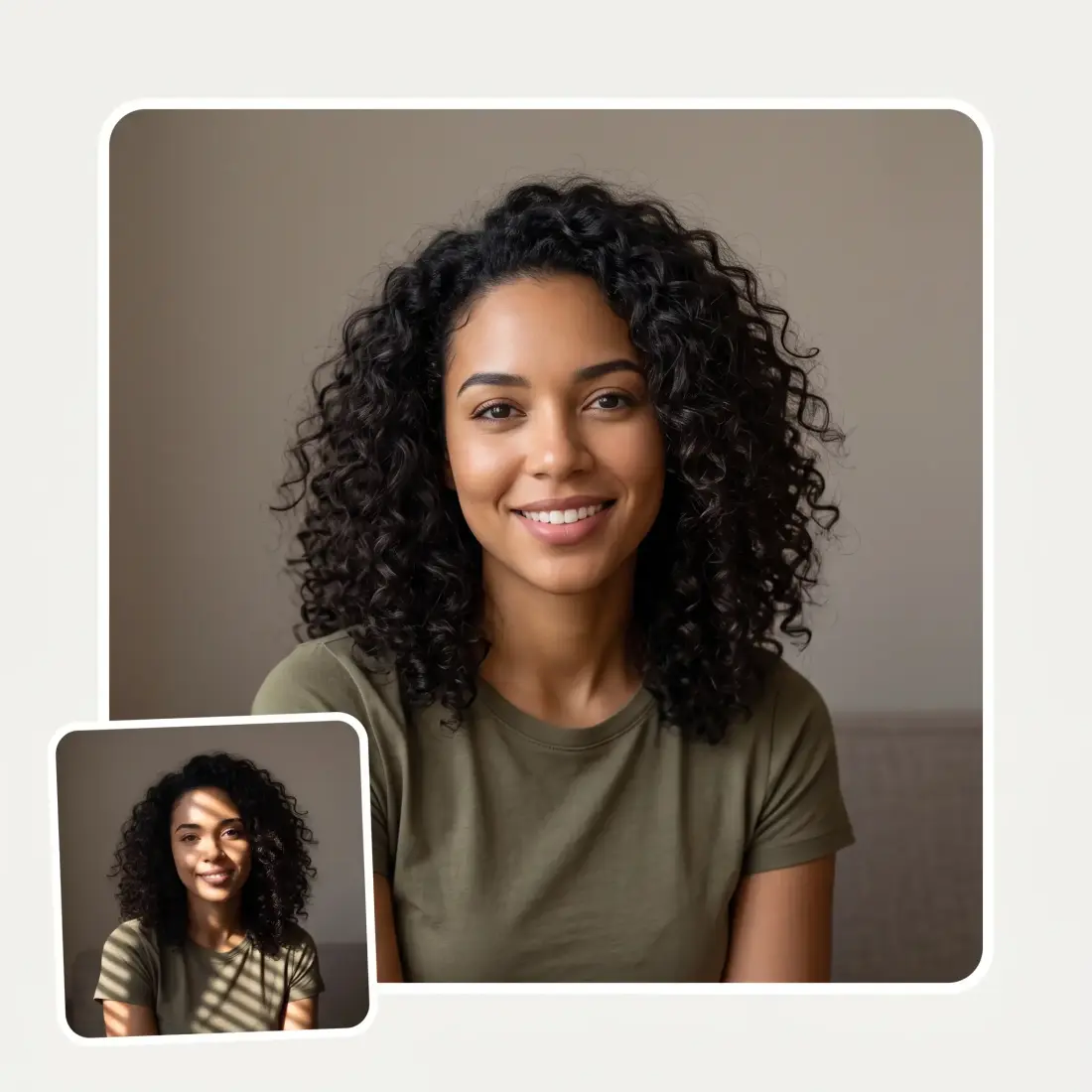
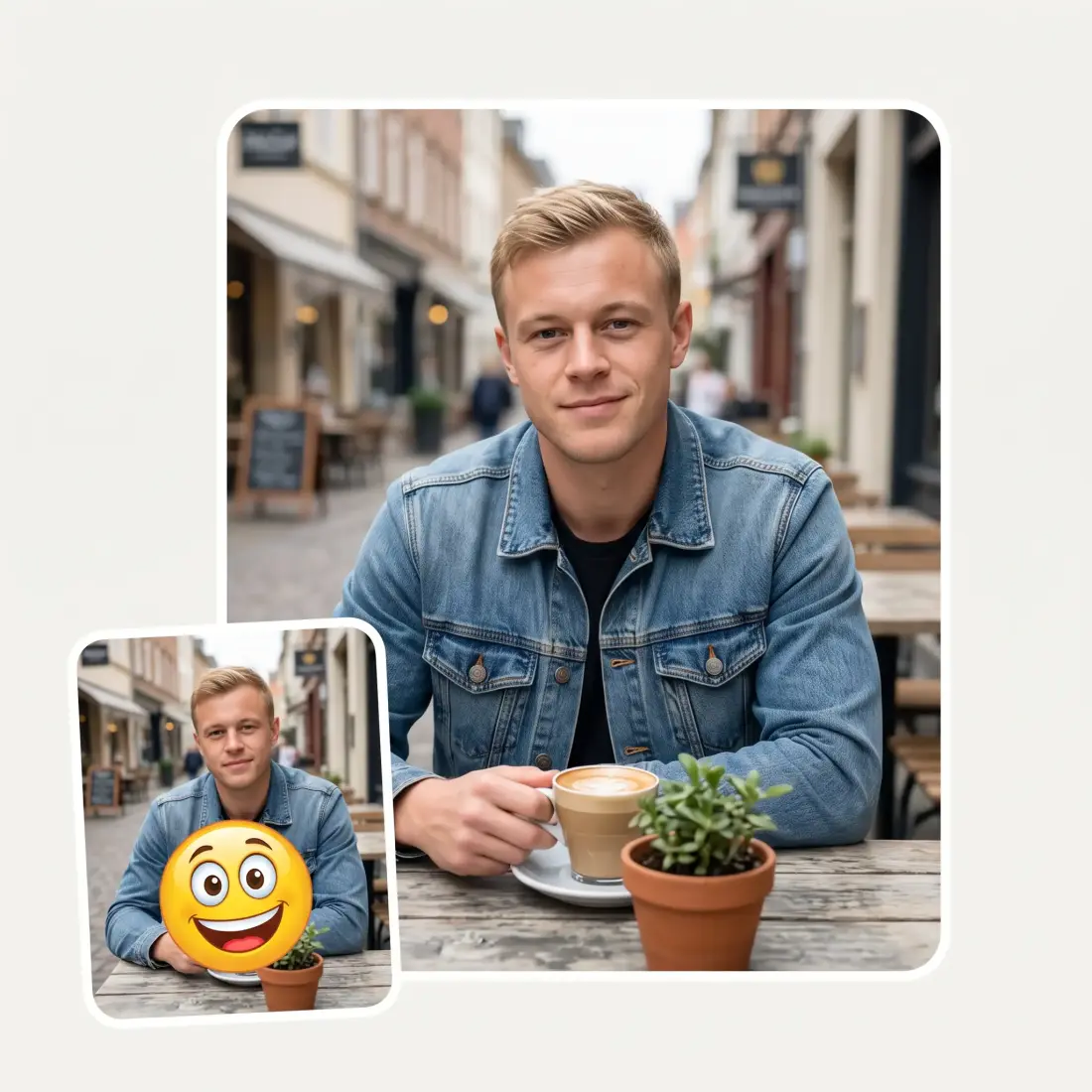
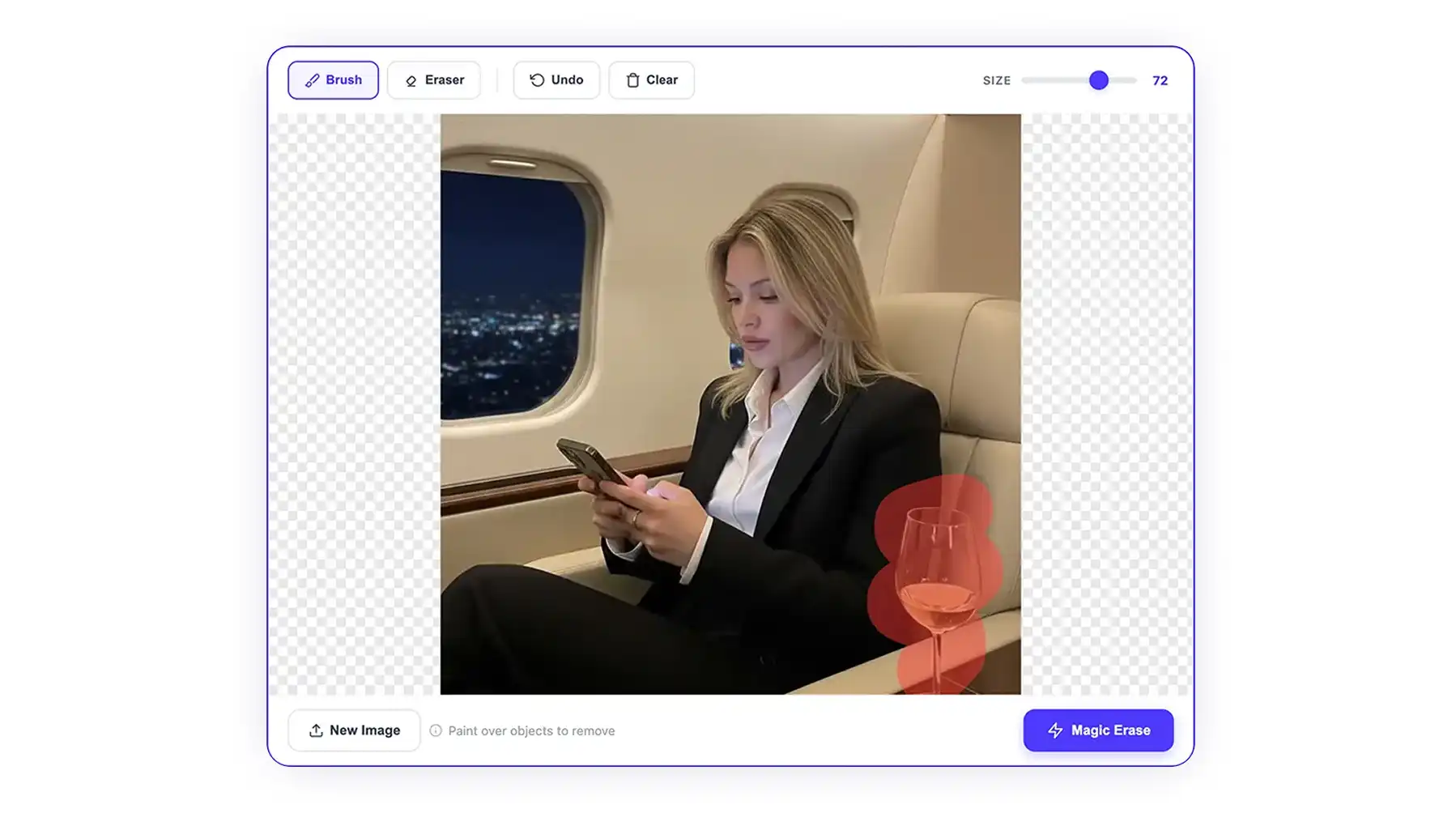
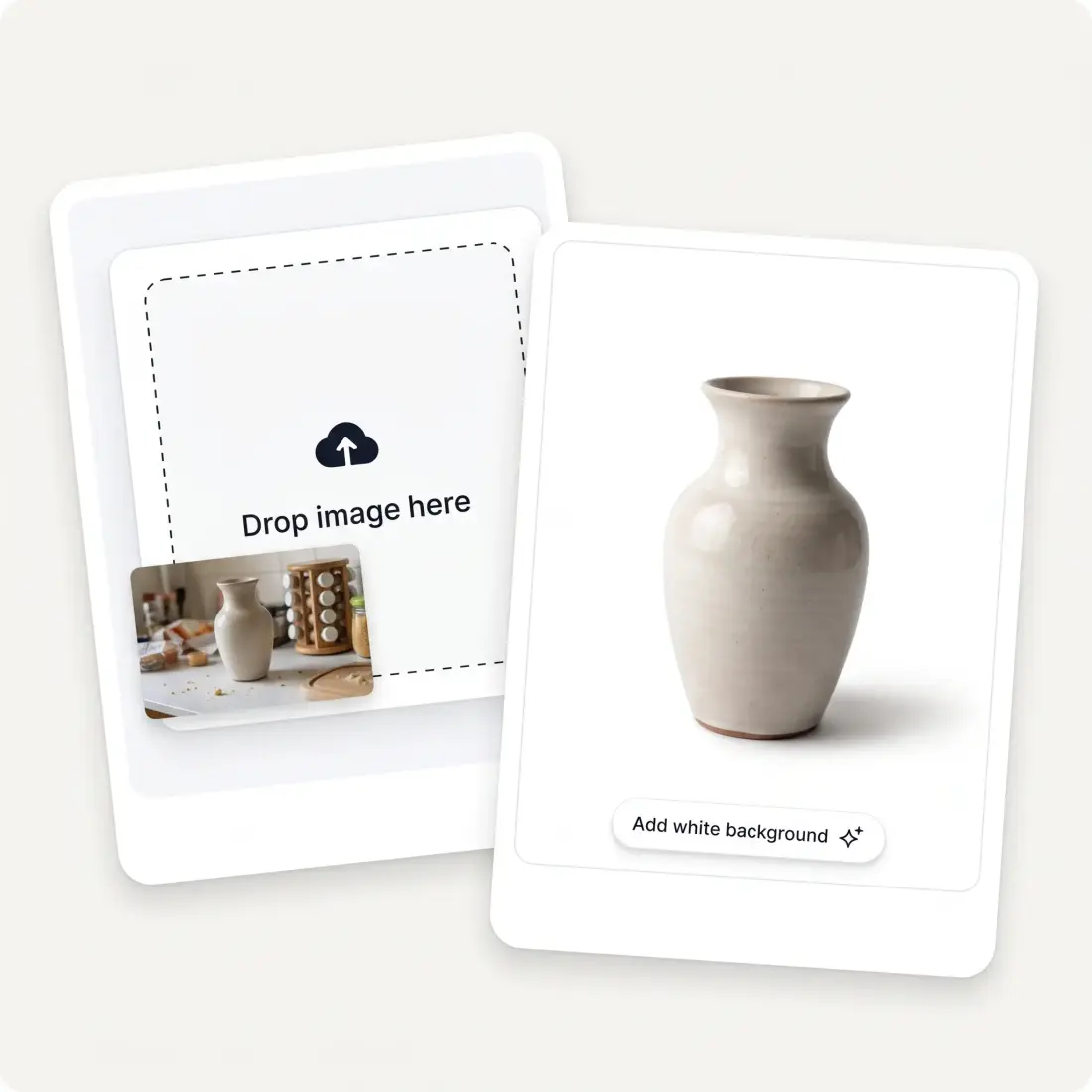
Put your subject on a clean, even background. Nano Banana 2
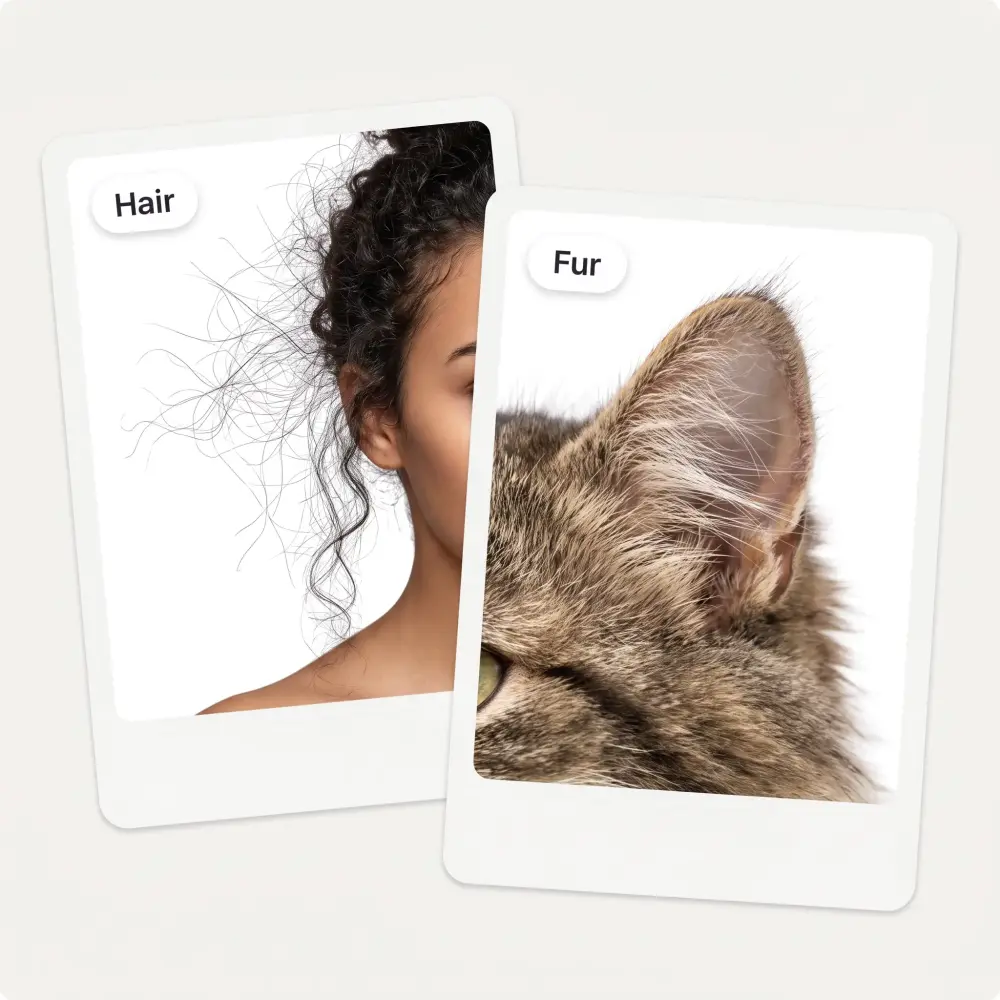
repaints the whole frame in one pass — edges down to single hairs,
no halo, no leftover corner of the room.
Flat, even, marketplace-ready
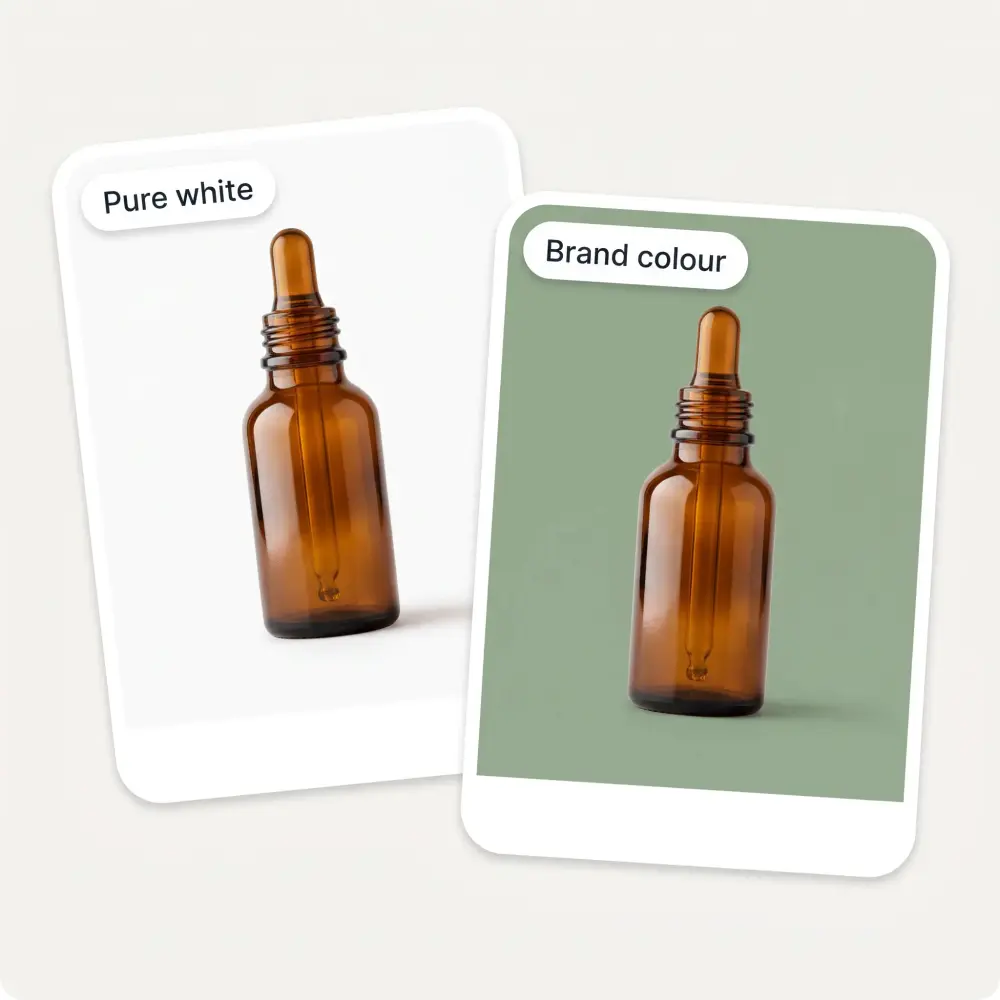
Any colour, aspect and shadow
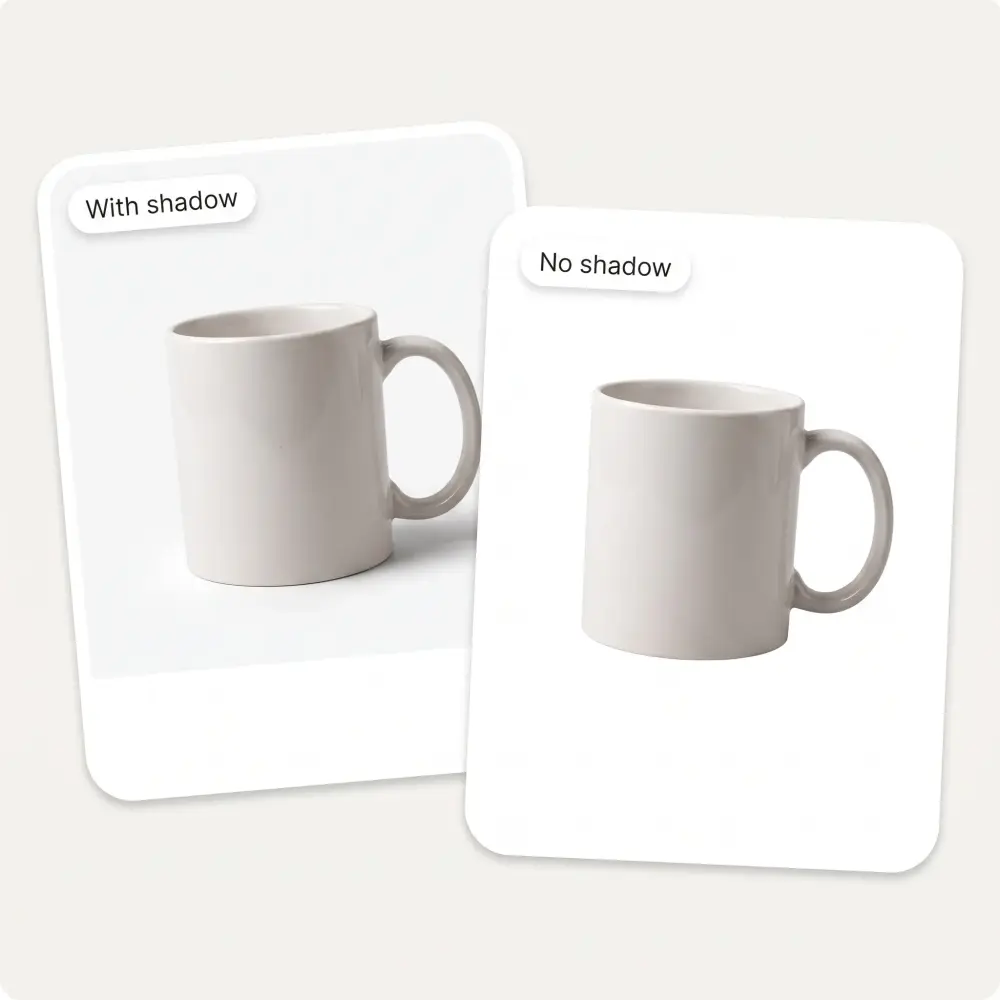
Studio shadow, or none at all
🪄
Trusted by 350,000+ people
🎯
Amazon, eBay & Etsy ready
🖼️
HD download, no watermark
Edges down to single hairs
The whole frame is repainted in one pass rather than cut out and pasted, so hair, fur and fabric edges keep their softness. No white halo, no jagged outline where the subject meets the background.
White, or any colour you like
Pure white is the default because marketplaces ask for it, but any flat colour works — along with the aspect ratio your listing or form needs.
Studio shadow, or none at all
Keep a soft contact shadow so the object still sits on a surface, or drop it entirely for a clean floating cut-out.
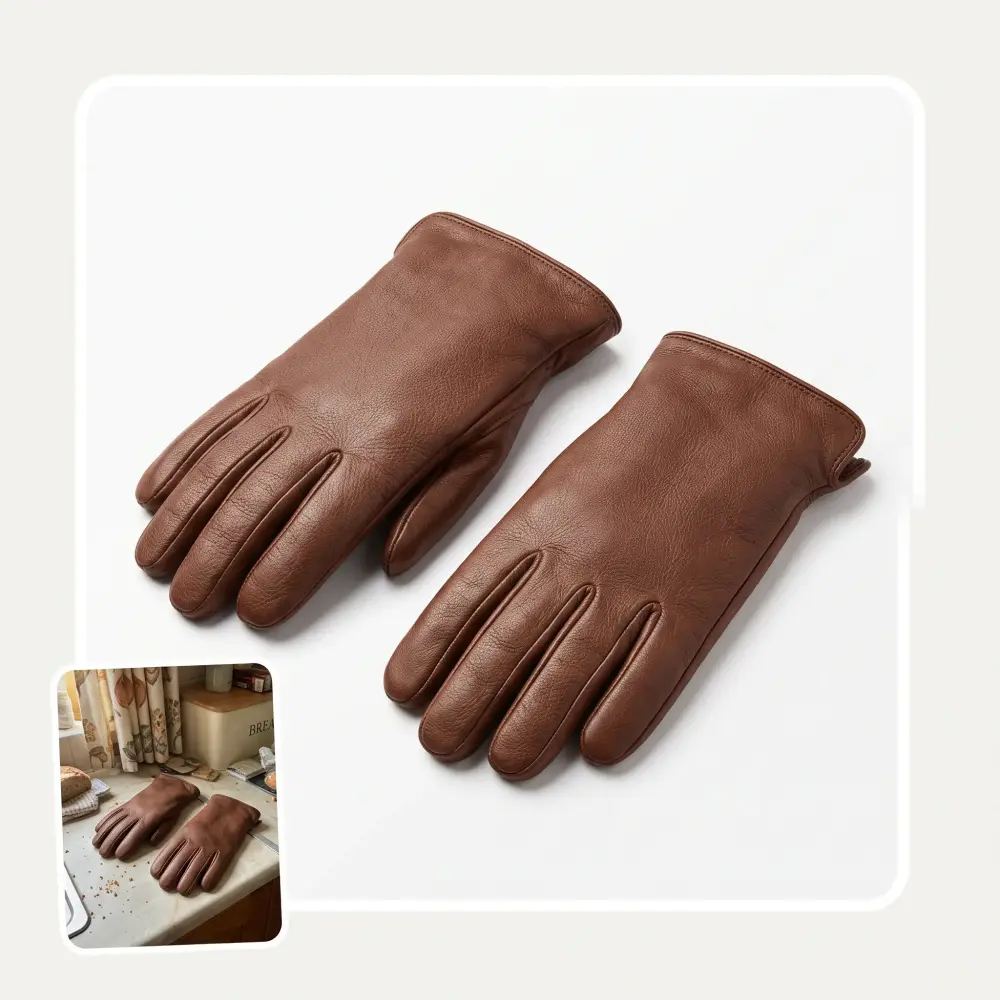
Nothing of the old room survives
No leftover corner of a table, no strip of curtain along the edge. The background is replaced outright, not blurred or dimmed.
How to put a photo on a white background
1
Upload the photo
Drag it in, paste with Ctrl+V or pick it from your device. JPG, PNG, WebP and iPhone HEIC all work.
2
Pick the background and shadow
White by default. Change the colour, choose the aspect ratio, and decide whether a contact shadow stays under the subject.
3
Press Add white background
The AI repaints the frame around your subject. It takes about 30 seconds.
4
Compare, then download
Check the edges against the original, then save it in HD with no watermark.
Who the white background maker is for
🛒
Marketplace sellers
Amazon, eBay and Etsy want the main image on a clean white background. Put a phone photo on one instead of booking a studio.
🪪
Anyone submitting an ID photo
Passport and visa photos get rejected for busy or shadowed backgrounds more than for anything else. Swap in the flat colour the form asks for.
💼
People updating a work profile
A headshot taken at home starts reading as professional the moment the room behind it goes.
🧶
Craft and handmade sellers
Pieces photographed on a kitchen table sell better once the table is gone and the colour is even.
📊
Anyone building a deck or catalogue
Subjects on flat white drop into slides and price lists without fighting the layout around them.
👗
Resellers listing clothes
Garments shot on a hanger at home come back looking like catalogue shots.
What people say about Overchat AI
★★★★★
Great experience! It helps me able to do my work and respond to questions quickly trusting that the my responses are grammatically correct.
Romanes Yarofaichie
Micronesia · Trustpilot, 30 Jul 2026
★★★★★
I've started to use overchat last week and it feels very promising. Lots of AI models in one place saves a lot of money in comparison if you buy subscriptions for each one.
Georgy P
Armenia · Trustpilot, 14 Jul 2026
★★★★★
Nice app, everything in one place
An Dy
Serbia · Trustpilot, 28 Nov 2025
★★★★★
Easy and convenient!
Jerry Rivers
United States · Trustpilot, 5 Nov 2025
★★★★★
im really into ai apps and that one is good, helps me with my arts and homework. i draw ai vids for inst and generate images with my characters, many widgets and models! like it
Rita Semenova
Germany · Trustpilot, 14 Aug 2026
★★★★★
I like how it keeps everything organized. One subscription is enough for all major AI models, which helps me avoid paying for multiple platforms.
Staria Quinn
United States · Trustpilot, 16 Nov 2025
Frequently Asked Questions
How do I put a photo on a white background?
Upload it on this page, leave the colour on white and press Add white background. Your subject is kept and everything behind it is repainted, so a clean frame comes back in about 30 seconds.
Is this the pure white Amazon asks for?
Yes. Amazon requires the main product image on pure white — RGB 255,255,255 — and that is what the white preset produces.
Will the edges look cut out?
No. The frame is regenerated rather than masked and pasted, and that is what keeps hair, fur and fabric edges soft instead of leaving the white halo you get from a hard cut-out.
Can I use it for a passport or ID photo?
It will put the photo on the flat background the form asks for. Check your country’s rules on size, head position and expression separately — this handles the background, not the crop.
Can I keep a shadow under the product?
Yes. A soft contact shadow keeps the object grounded on a surface; switch it off if you want it floating on plain colour.
Does the background have to be white?
No. Any flat colour works, so you can match a brand palette or a marketplace that asks for light grey or pale blue instead.
What files can I upload?
JPG, PNG, WebP and BMP, plus HEIC straight from an iPhone.
Is there a watermark?
No. The tool on this page runs without an account and the result downloads in HD with nothing stamped on it.
{"@context":"https://schema.org","@graph":[{"@type":"WebApplication","@id":"https://overchat.ai/ai-tools/white-background-maker#app","name":"White Background Maker","url":"https://overchat.ai/ai-tools/white-background-maker","description":"Upload a photo and AI puts your subject on a clean, even white background — edges down to single hairs, no halo. Marketplace-ready HD download, no watermark.","image":"https://cdn.prod.website-files.com/67b459f31ecf92c899354e98/6a932635adf0bb92a663bbe0_6a9325cf63e0c17b5dd1e758_wb-hero-showcase.webp","applicationCategory":"MultimediaApplication","operatingSystem":"Web","browserRequirements":"Requires JavaScript","offers":{"@type":"Offer","price":"0","priceCurrency":"USD","availability":"https://schema.org/InStock","url":"https://overchat.ai/ai-tools/white-background-maker"},"publisher":{"@type":"Organization","name":"Overchat AI","url":"https://overchat.ai/"}},{"@type":"BreadcrumbList","itemListElement":[{"@type":"ListItem","position":1,"name":"Home","item":"https://overchat.ai/"},{"@type":"ListItem","position":2,"name":"AI Tools","item":"https://overchat.ai/tools"},{"@type":"ListItem","position":3,"name":"White Background Maker","item":"https://overchat.ai/ai-tools/white-background-maker"}]},{"@type":"FAQPage","mainEntity":[{"@type":"Question","name":"How do I put a photo on a white background?","acceptedAnswer":{"@type":"Answer","text":"Upload it on this page, leave the colour on white and press Add white background. Your subject is kept and everything behind it is repainted, so a clean frame comes back in about 30 seconds."}},{"@type":"Question","name":"Is this the pure white Amazon asks for?","acceptedAnswer":{"@type":"Answer","text":"Yes. Amazon requires the main product image on pure white — RGB 255,255,255 — and that is what the white preset produces."}},{"@type":"Question","name":"Will the edges look cut out?","acceptedAnswer":{"@type":"Answer","text":"No. The frame is regenerated rather than masked and pasted, and that is what keeps hair, fur and fabric edges soft instead of leaving the white halo you get from a hard cut-out."}},{"@type":"Question","name":"Can I use it for a passport or ID photo?","acceptedAnswer":{"@type":"Answer","text":"It will put the photo on the flat background the form asks for. Check your country’s rules on size, head position and expression separately — this handles the background, not the crop."}},{"@type":"Question","name":"Can I keep a shadow under the product?","acceptedAnswer":{"@type":"Answer","text":"Yes. A soft contact shadow keeps the object grounded on a surface; switch it off if you want it floating on plain colour."}},{"@type":"Question","name":"Does the background have to be white?","acceptedAnswer":{"@type":"Answer","text":"No. Any flat colour works, so you can match a brand palette or a marketplace that asks for light grey or pale blue instead."}},{"@type":"Question","name":"What files can I upload?","acceptedAnswer":{"@type":"Answer","text":"JPG, PNG, WebP and BMP, plus HEIC straight from an iPhone."}},{"@type":"Question","name":"Is there a watermark?","acceptedAnswer":{"@type":"Answer","text":"No. The tool on this page runs without an account and the result downloads in HD with nothing stamped on it."}}]}]}

.webp)